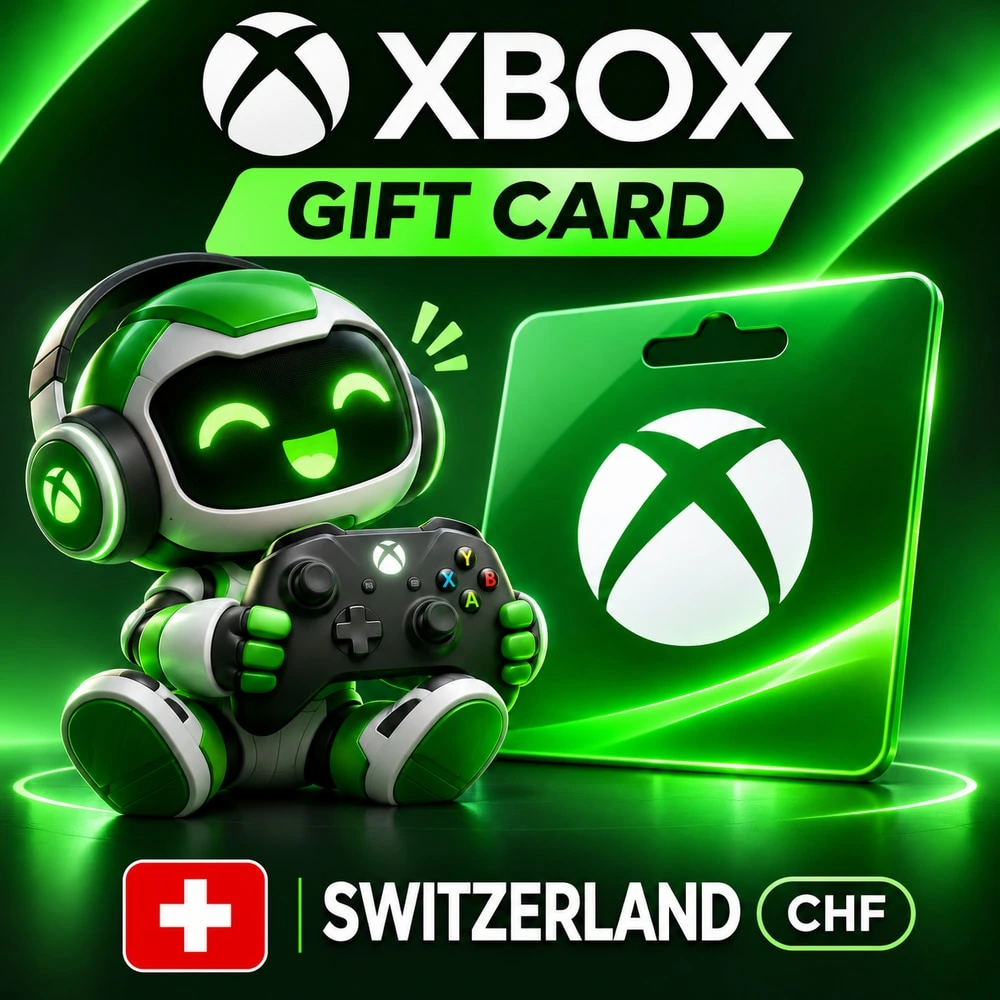
Xbox Gift Card Switzerland — 25 CHF · Wallet code
Xbox Gift Card wallet code for Switzerland (CH) accounts. Choose the denomination in CHF before paying. No password required.
Bazelio is a storefront-aggregator. Payment, delivery, refunds and support depend on the seller and the payment platform. Check the terms of the specific offer before buying.
Add funds to a Microsoft account with the Switzerland (CH) region for purchases on Xbox Store and Microsoft Store. Choose the wallet credit: 25 CHF. The card denomination and its purchase price are different amounts.
What you get
- A digital Xbox Gift Card code for the selected amount in CHF.
- Wallet credit for your own Microsoft account in the stated region.
- Funds for eligible games, add-ons and other digital content available on your Store, subject to Microsoft's terms.
- Self-service code redemption without sharing your account password with the seller.
Before you buy
- Check your account region and currency: this card is intended for Switzerland (CH), CHF. Do not choose another country's card solely because it uses the same currency. Funds are added to the account that redeems the code; the balance cannot be transferred to another account or converted into another currency. Each code can be redeemed once. This card adds wallet funds; a game, an account and a Game Pass subscription are not included. Content availability, device compatibility, final prices and any applicable tax depend on your Store. Before buying for a specific game or subscription, check Microsoft's payment conditions.
How to receive and redeem
- 1. Select the denomination and pay for your order. Once payment is confirmed, open the delivery page from your paid Plati order.
- 2. Open redeem.microsoft.com and sign in to the Microsoft account you want to top up.
- 3. Enter your 25-character code, review the details and confirm redemption. You can also use Redeem in Microsoft Store on Xbox.
If the denomination is unavailable
- If the selected code is unavailable after payment and has not been issued, the seller will arrange a full refund through your order. Contact the seller in your order chat about delivery.
Reviews
No reviews yet
Frequently asked questions
How do I use the code or top-up?
The code is entered in the service wallet or account — instructions are on the card. For ID top-ups the required details are also stated on the product card.
Do the region and denomination matter?
Yes, cards and top-ups are usually region-bound and the denomination is fixed. Verify the region and amount before paying — they can’t be changed afterwards.
When will the code arrive?
Items marked “Instant” deliver the code right after payment by the seller on the payment platform.
Guides
Product guides
Related products
Recently viewed
Your purchase opened in a new tab
Subscribe to the channel — deals and new keys so you don't overpay next time.