Catalog section
Google Play
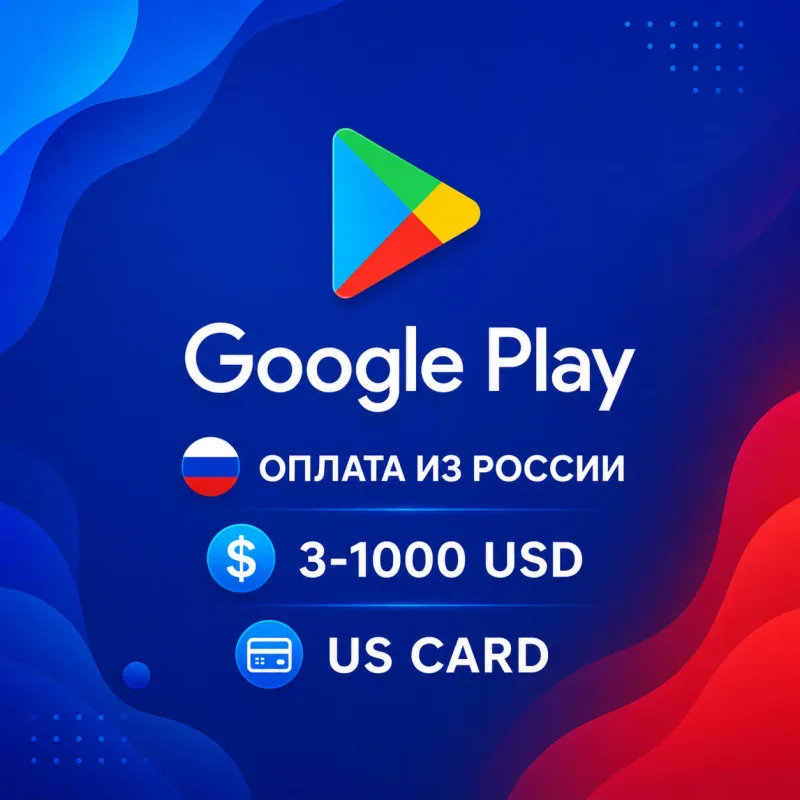
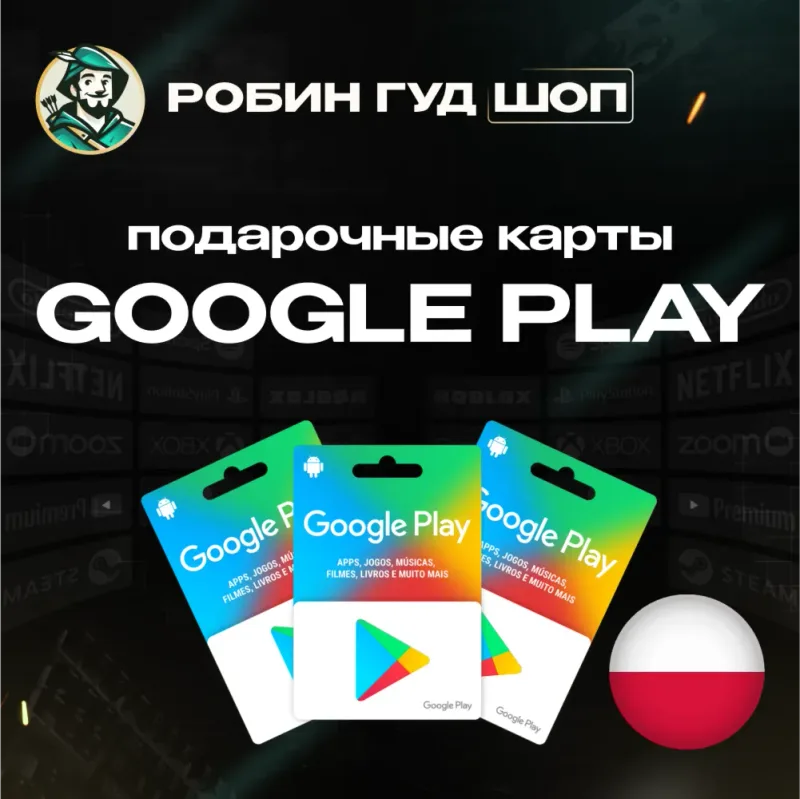
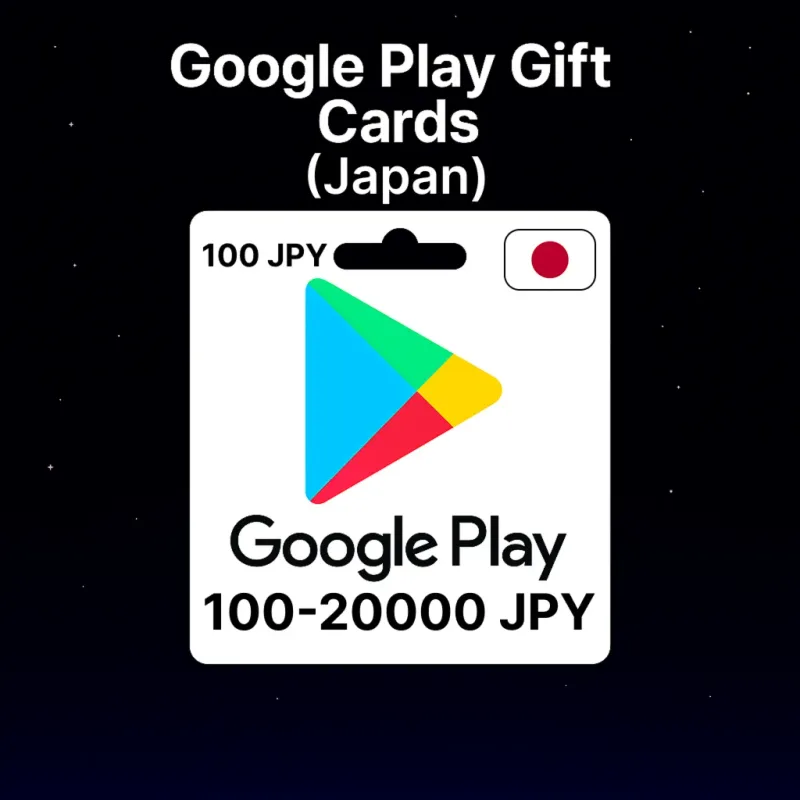
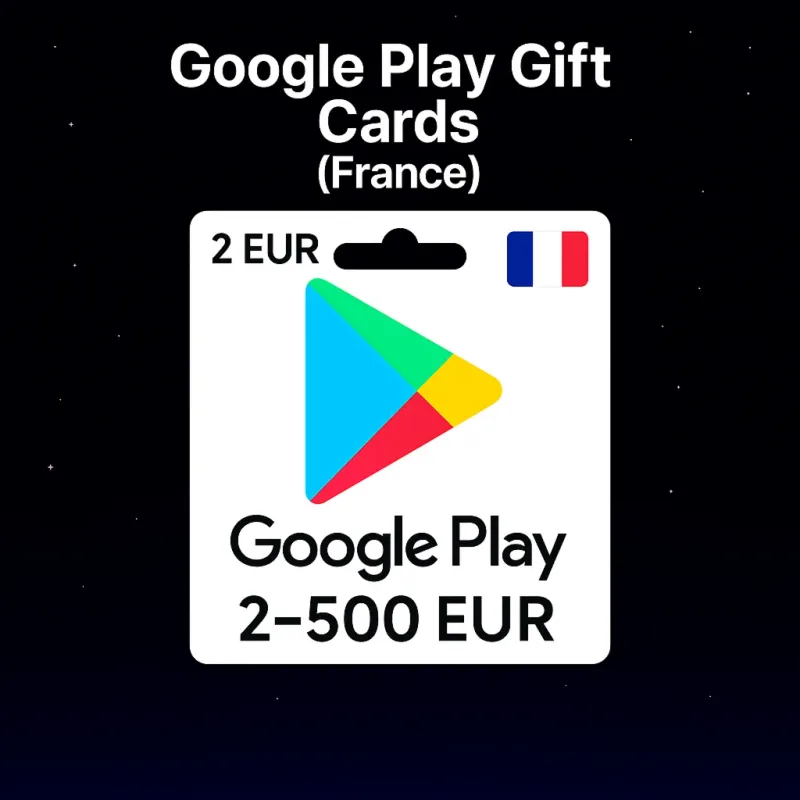
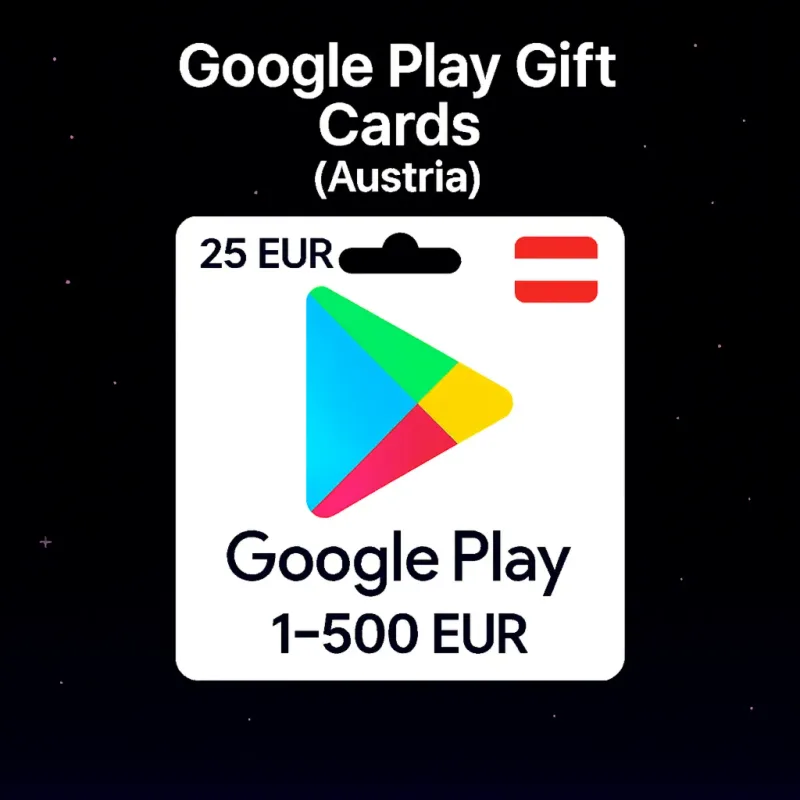
A Google Play top-up code adds funds to your balance: apps, games, in-app content, books and subscriptions. Choose a region and denomination.


No products in this category yet
Try adjusting the filters or resetting them.
What usually helps: clear the price filter, switch delivery back to “All”, or shorten your search to a single word.
Catalog section
How to choose a digital product
- Match the card region with your Google account region.
- The denomination is fixed — the amount can't be changed after payment.
- For fast top-up choose items marked “Instant delivery”.
Frequently asked questions
How do I redeem a Google Play card?
In the Google Play app open Payments & subscriptions → “Redeem code” and enter it in an account of the matching region. The region and denomination are stated on the product card.
Does the card region matter?
Yes, the code activates only in a Google account of the same region. A card of another region won't work — check the region before paying.
Who delivers the code?
Bazelio is an aggregator storefront: payment and code delivery are handled by a seller on the payment platform. For fast delivery choose items marked “Instant delivery”.
Catalog section
Google Play
Google Play cards top up your account balance in the chosen region and currency. The code arrives after payment and is redeemed in the Google Play app (Payments & subscriptions → “Redeem code”). Important: the code activates only in a Google account of the same region — a card of another region won't work, so match the card region with your account before buying.