Steam Wallet top-up — Russia (rubles)
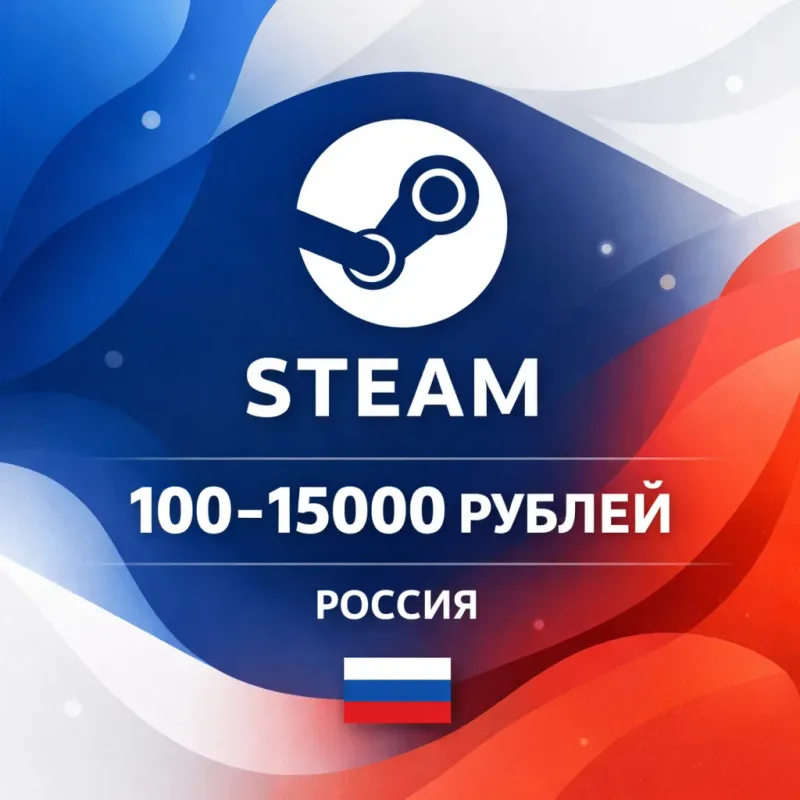
An automatic Steam Wallet top-up in rubles for Russia-region accounts: amounts from 100 to 15000 RUB, credited by login, without sharing a password.
Bazelio is a storefront-aggregator. Payment, delivery, refunds and support depend on the seller and the payment platform. Check the terms of the specific offer before buying.
An automatic Steam Wallet top-up in rubles for accounts set to the Russia region. The funds are added to your balance for buying games, DLC and in-game items. The top-up is credited by your Steam login — no password needs to be shared. The top-up amount ranges from 100 to 15000 RUB.
What you get
- A Steam balance top-up in rubles to your account.
- Crediting by Steam login, without sharing a password.
- Automatic order processing after payment.
- A daily limit of up to 15000 RUB (more on request via support).
Important conditions
- The top-up is available only for Russia-region accounts.
- Provide the correct Steam login (the sign-in name, not a nickname or profile link).
- If the login is wrong, a refund is not possible.
- The top-up and support are provided by a third-party seller.
Before you pay, check
- The region of your Steam account (Russia).
- That your Steam login is correct.
- The amount you need and the seller's terms.
Reviews
- -1 Positive
- -1 Negative
- -2 reviews
-
Всё получил, покупал на сайте Market4game.ru и вам советую.
-
Всё получил, спасибо. Брал на сайте Market4game.ru
-
*
-
Пополнял баланс на стиме, все прошло быстро и удобно.
No reviews yet
Frequently asked questions
How do I use the code or top-up?
The code is entered in the service wallet or account — instructions are on the card. For ID top-ups the required details are also stated on the product card.
Do the region and denomination matter?
Yes, cards and top-ups are usually region-bound and the denomination is fixed. Verify the region and amount before paying — they can’t be changed afterwards.
When will the code arrive?
Items marked “Instant” deliver the code right after payment by the seller on the payment platform.
Guides
Product guides
Related products


Recently viewed
Your purchase opened in a new tab
Subscribe to the channel — deals and new keys so you don't overpay next time.