Buying games and subscriptions on PSN — Ukraine (PlayStation wallet top-up)
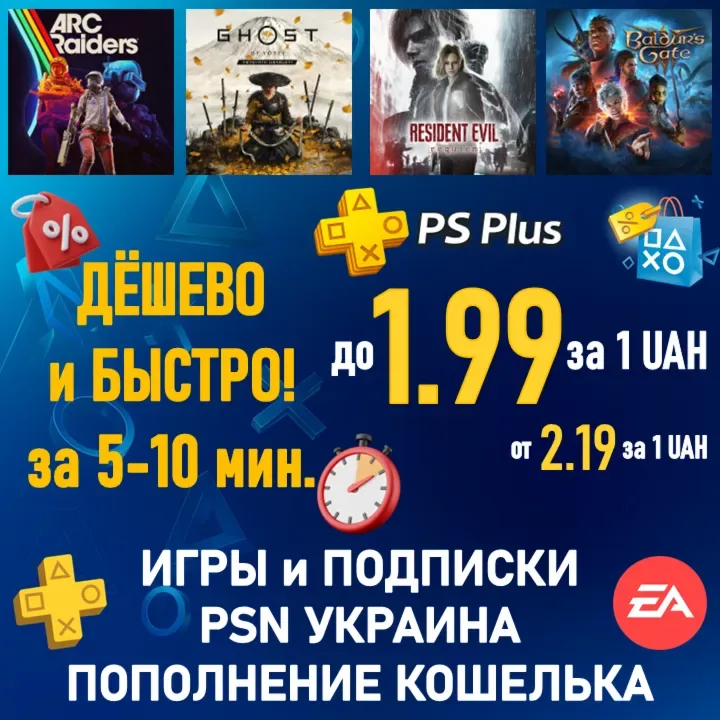
Buying games and DLC, topping up the wallet or activating PS Plus / EA Play / Ubisoft+ / GTA+ subscriptions in the Ukrainian PSN region: pick the UAH amount, processed on your account.
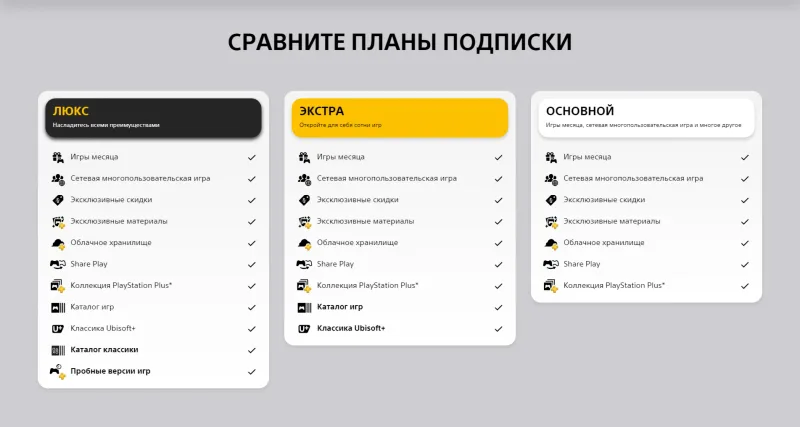

Bazelio is a storefront-aggregator. Payment, delivery, refunds and support depend on the seller and the payment platform. Check the terms of the specific offer before buying.
A service for buying games and add-ons, topping up the wallet and activating PlayStation subscriptions (PS Plus Essential/Extra/Deluxe, EA Play, Ubisoft+, GTA+) in the Ukrainian PSN region. You choose the amount in hryvnia at checkout. The Ukrainian PS Store is in Russian with localized games. Processed via your PSN account; if you do not have one, the seller creates a new Ukrainian account using your details.
What you get
- Purchase of games, DLC, items or currency for the chosen amount in the Ukrainian PS Store.
- Or a PSN wallet top-up, or a PS Plus / EA Play / Ubisoft+ / GTA+ subscription.
- Crediting to your Ukrainian-region PSN account.
- If needed, creation of a new Ukrainian PSN account using your details.
- Seller support daily from 10:00 to 23:00 Moscow time.
Important conditions
- After payment you receive a unique code to give the seller in the order chat.
- To process the order you provide your PSN account login and two-factor backup codes (2FA must be enabled).
- Purchases and subscriptions are processed in multiples of 50 UAH; if the amount is short, a refund minus a fee may apply.
- Funds already in your PSN wallet are spent first — pay only the difference here.
- The service and support are provided by a third-party seller.
Before you pay, check
- Whether you have a Ukrainian-region PSN account (or need a new one created).
- The exact amount in UAH for the game, subscription or top-up you need.
- The processing terms, multiples and refund policy on the seller's page.
Reviews 100+
100%
positive ratings
- 3102 Positive
- 0 Negative
- 3102 reviews
-
Очень большая благодарность, с друзья хотел поиграть, подписка кончилась, мне очень быстро помог этот прекрасный человек
-
все отлично, быстро приобрели нужный товар
-
Быстро. Без проблем. Цена отличная
-
Все отлично 👍 сделали всё быстро и качественно.
-
Все очень быстро!
-
Моментально Лучшие !
-
Все очень оперативно. Рекомендую
-
Очень быстро и выгодно. Спасибо!
No reviews yet
Frequently asked questions
How do I use the code or top-up?
The code is entered in the service wallet or account — instructions are on the card. For ID top-ups the required details are also stated on the product card.
Do the region and denomination matter?
Yes, cards and top-ups are usually region-bound and the denomination is fixed. Verify the region and amount before paying — they can’t be changed afterwards.
When will the code arrive?
Items marked “Instant” deliver the code right after payment by the seller on the payment platform.
Guides
Product guides
Related products
Recently viewed
Your purchase opened in a new tab
Subscribe to the channel — deals and new keys so you don't overpay next time.