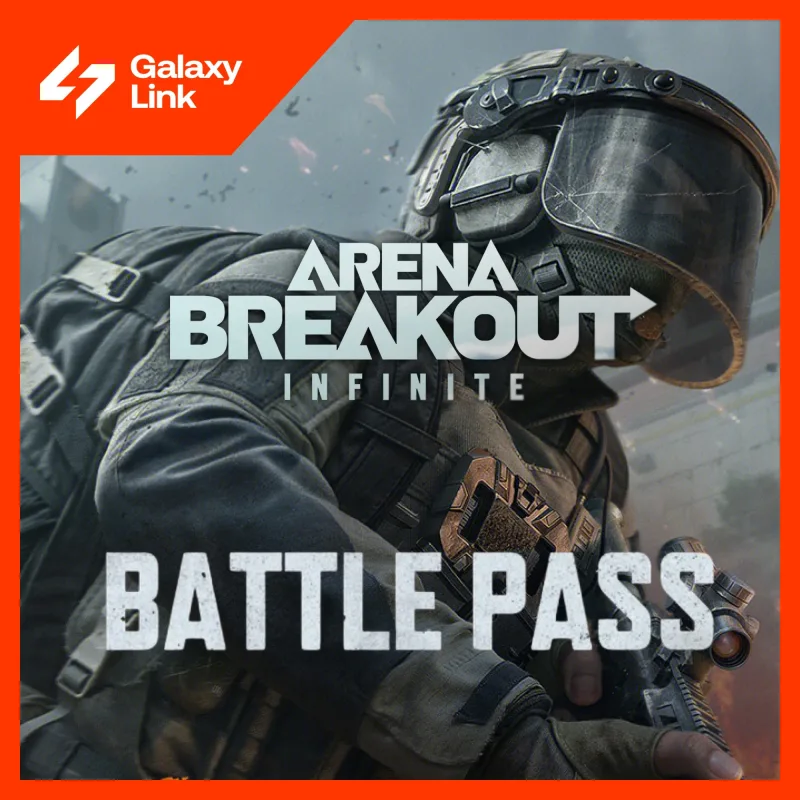
Arena Breakout: Infinite — Battle Pass activation on your account (PC)
Battle Pass purchase for Arena Breakout: Infinite credited to your account: the Extended or Maximum pass of the current season, fulfilled via the seller's chat.
Bazelio is a storefront-aggregator. Payment, delivery, refunds and support depend on the seller and the payment platform. Check the terms of the specific offer before buying.
A Battle Pass purchase for Arena Breakout: Infinite — the tactical extraction shooter for PC — credited to your account. Options: the Extended or Maximum Battle Pass of the current season; the seller completes the purchase via the order chat. According to the seller, it works for PC accounts of all regions.
What you get
- The chosen Battle Pass (Extended or Maximum) credited to your Arena Breakout: Infinite account.
- Optional in-game bundles can be added at checkout.
- Seller support in chat from 10:00 to 22:00 Moscow time.
Important conditions
- Delivery is not instant: after payment send the received code to the seller in the order chat.
- You share your sign-in details (e-mail and password) with the seller — change your password once the order is done.
- The PC version of the game and a profile of at least level 10 are required.
- Only one activation pass per season; a second cannot be added later.
- The service and support are provided by a third-party seller.
Before you pay, check
- The pass type in the order options — the choice is made once per season.
- That your profile is at least level 10 and no pass has been activated this season.
- That sharing sign-in details works for you, and the seller's terms.
Reviews 46
100%
positive ratings
- 46 Positive
- 0 Negative
- 46 reviews
-
Все прошло успешно!!!
-
Благодарю за Копилку
-
Все отлично! Постоянный клиент!
-
Все супер. Беру уже несколько раз
-
Всё доставили, не сразу конечно, но всё получил, мне нравится, по чаще буду покупать у этого продавца.
-
Все быстро и качественно!
-
Все отлично. Беру не первый раз!!!
-
Оперативно сделали баттл пасс рекомендую продавца
No reviews yet
Frequently asked questions
How do I use the code or top-up?
The code is entered in the service wallet or account — instructions are on the card. For ID top-ups the required details are also stated on the product card.
Do the region and denomination matter?
Yes, cards and top-ups are usually region-bound and the denomination is fixed. Verify the region and amount before paying — they can’t be changed afterwards.
When will the code arrive?
Items marked “Instant” deliver the code right after payment by the seller on the payment platform.
Guides
Product guides
Related products
Recently viewed
Your purchase opened in a new tab
Subscribe to the channel — deals and new keys so you don't overpay next time.