Software
Software from Steam: Wallpaper Engine, Virtual Desktop and more as gifts
Five useful Steam apps — live wallpapers, VR desktop, FPS monitoring, a soundboard and a stream chat. How to accept a Steam gift and what to check first.
On this page
Not all useful software ships as a license key — some apps live in the Steam catalog and are sold as a gift rather than a key: the program arrives as a present on your account and stays in the library like any regular Steam purchase. You redeem a key yourself, but a gift travels from account to account, so the process works differently. The gift mechanics are covered in detail in our guide on Aseprite as a Steam gift; below are five apps in this format. Per their listings, all are delivered to Steam accounts with the Russia store region.
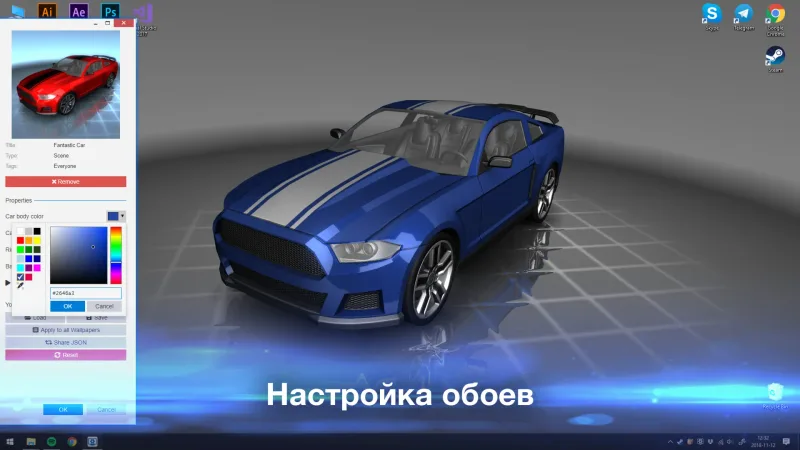
Wallpaper Engine — live wallpapers
Wallpaper Engine brings the Windows desktop to life: animated scenes and video backgrounds, wallpapers made from your own images, video and website imports, and thousands of ready-made works in the Steam Workshop. Per the listing the program arrives as a gift in your library and stays on your account.
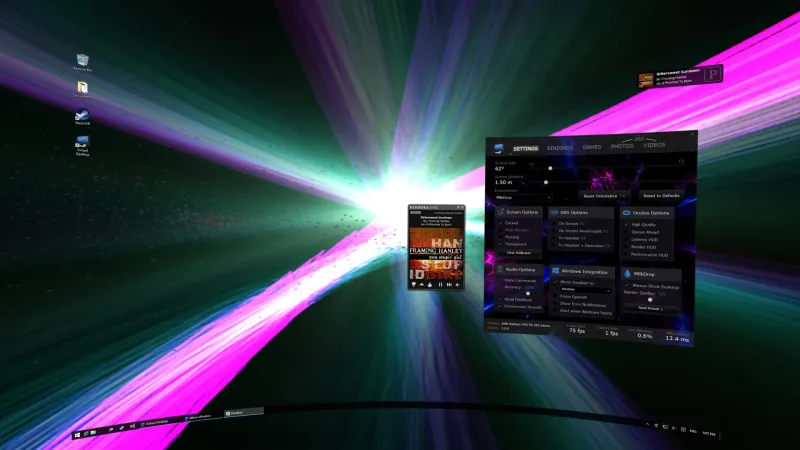
Virtual Desktop — your PC desktop in VR
Virtual Desktop lets you view and control your PC desktop inside a VR headset: browse, watch movies and play games on a giant virtual screen. Per the listing this Steam version is for Oculus Rift / Rift S, HTC Vive, Valve Index and WMR headsets — not for standalone Quest or Pico, so it is worth confirming headset compatibility in advance.
FPS Monitor — in-game monitoring
FPS Monitor shows a frame counter plus CPU, GPU and RAM stats as an in-game overlay or on top of the desktop. Per the listing it works right after installation and arrives as a gift to your library.
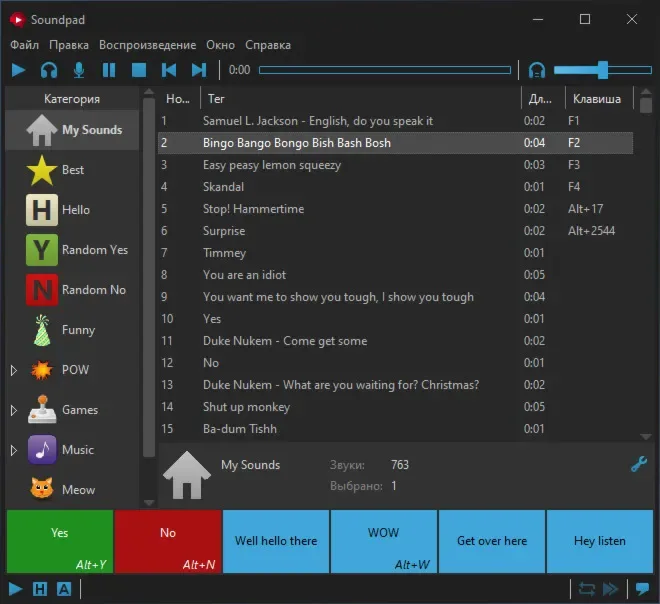
Soundpad — a soundboard
Soundpad plays sounds and music into your microphone signal so other people in voice chats can hear them. Per the listing it is a gift to your Steam library.
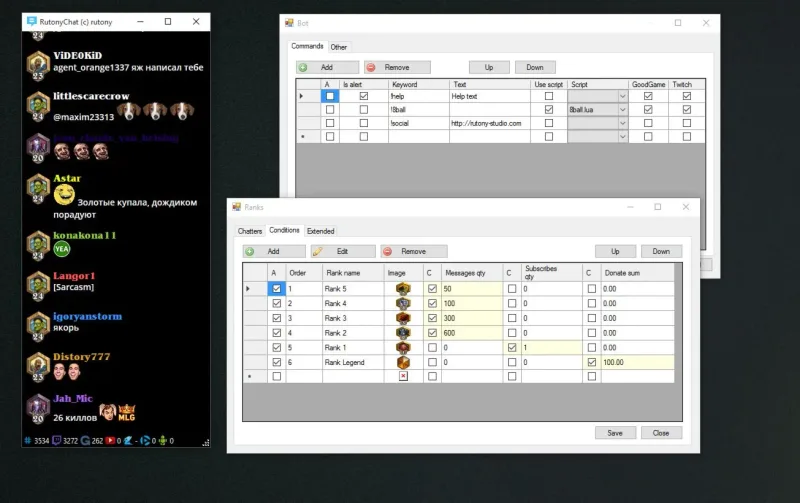
RutonyChat — chat and alerts for streams
RutonyChat gathers chat messages and notifications from multiple streaming platforms into one window and helps dress up a broadcast. Per the listing it is worth confirming up front that it supports the platforms you need.
How to accept a Steam gift
The flow is the same for all five apps, per the listings:
- After payment you provide a link to your Steam profile (or the recipient’s profile if it is a present).
- A bot automatically sends a friend request — you need to accept it.
- The bot sends the app as a gift to your library; delivery usually takes about a minute, and the bot works around the clock.
A gift cannot be saved to the inventory or re-gifted — it goes straight into the library of the profile whose link was provided.
What to check before paying
- Steam account store region. Per the listings, the gift is delivered only to accounts with the Russia store region — this is a neutral activation restriction of the item. The country is in the account settings; check it before paying.
- Profile and friend request. The profile must accept friend requests, or the bot cannot start delivery; provide the exact link — yours or the recipient’s.
- Compatibility. Virtual Desktop needs your VR headset to be supported, RutonyChat the platforms you use, and the rest depend on the system requirements on the Steam page.
- No refund after acceptance. Once a gift is activated on an account, it is not refunded; the terms follow the seller’s rules.
If you need software on a regular license key instead — data recovery, disk partitioning, optimization and drivers are covered in our guide on Windows system utilities.
Bazelio is a storefront: payment is taken by the seller on the payment platform, and the seller handles the gift delivery and support. Other programs and apps are in the Software section.