Office
Office 365 on a marketplace: your account, a new account, an invite or a key
How Office 365 is sold on marketplaces: an invite on your own account, a ready-made account from the seller or a license key, and what to check.
On this page
Office 365 (Microsoft now calls it Microsoft 365) is a subscription: Word, Excel, PowerPoint and OneDrive cloud storage for a term, not a one-time purchase. On marketplaces the same subscription is sold in three fundamentally different delivery formats: some sellers attach it to your own Microsoft account via an invitation, others hand over a ready-made account with the subscription already active, and others send a license key that you activate on your own account. The format determines where your files and email will live, so let’s walk through all three — using listings from the catalog.
Format 1: subscription on your own Microsoft account — via invite
The seller adds you to a Microsoft 365 family plan: after payment you receive an invitation email from Microsoft, accept it — and the subscription appears in your account dashboard. Your profile, settings and personal OneDrive stay yours; other group members cannot see your files.
- Microsoft Office 365 — 12-month subscription — an invite to a Microsoft 365 group: 12 months, apps on 5 devices (Windows, macOS, iOS, Android) and 1 TB of OneDrive.
- Microsoft Office 365 — subscription on your account — a seat in a family plan: after payment you send the seller a 16-digit code, then accept the Microsoft invitation; 12 months, up to 5 devices, a personal 1 TB of OneDrive.
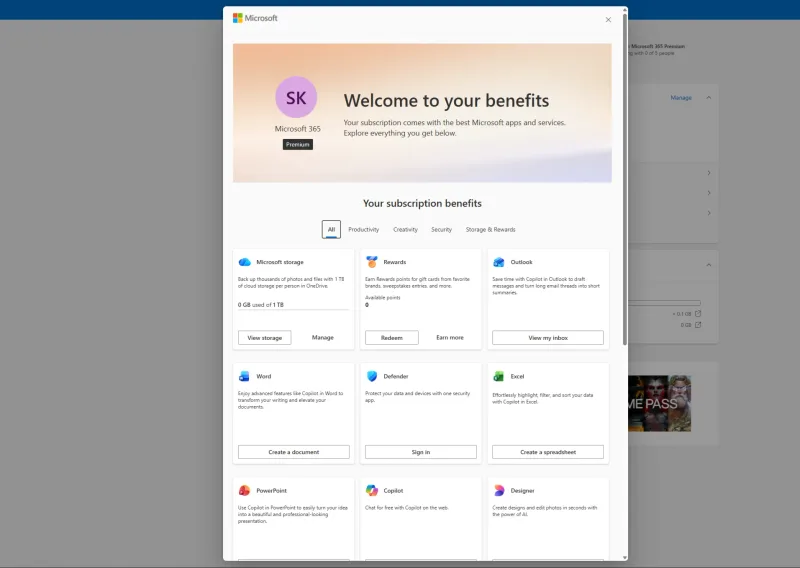
- Office 365 Premium — 1-year invite — the same invitation mechanism; per the listing — 1 TB of OneDrive, 5 devices and Copilot features. Note: your account must not have an active Microsoft 365 subscription.
All three require your own Microsoft account — you provide its email at checkout.
Format 2: a new account from the seller
Here you receive the login and password of a separate account where the subscription is already active; you change the password at first sign-in to secure it. Your personal email and your own OneDrive are not connected to this account — documents are stored in the cloud of the account you were given.
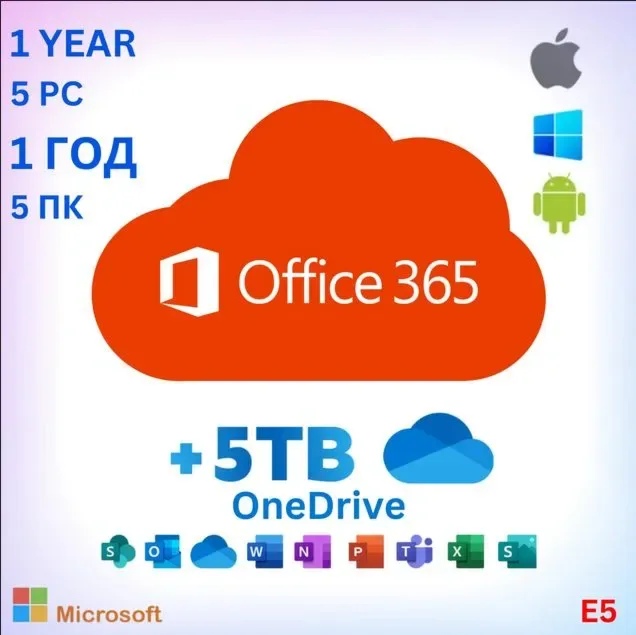
- Office 365 for 5 devices (Windows and Mac) — 1 year — an enterprise E5 plan account valid for 365 days with 5 TB of OneDrive; sign-in via portal.office.com, and previous Office versions must be removed before installing.
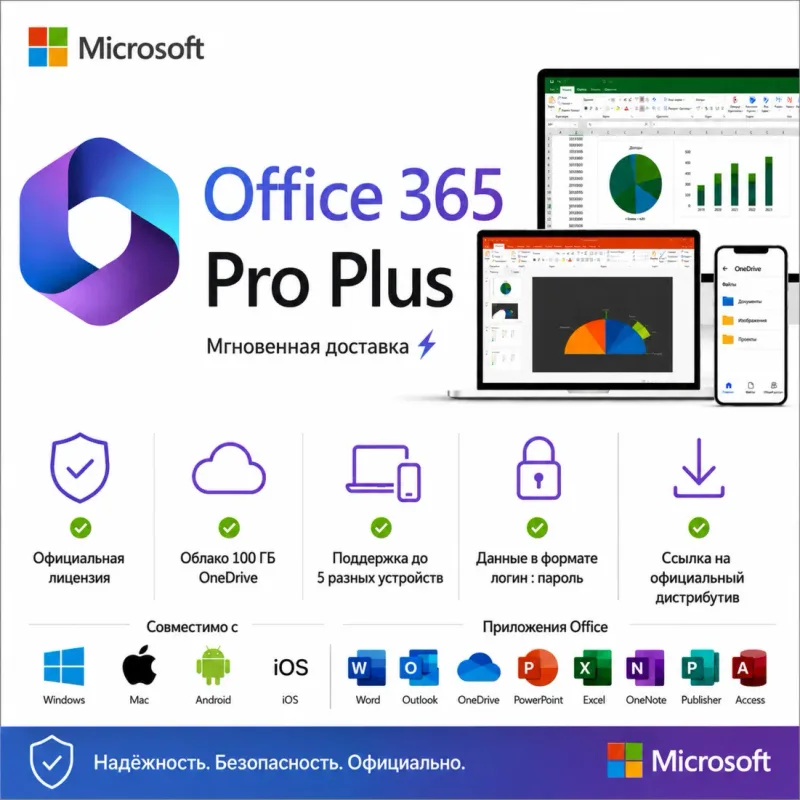
- Office 365 Pro Plus — new account, up to 5 devices — a 1, 2 or 3-year term of your choice, 100 GB of OneDrive, seller’s warranty for the whole term.
- Microsoft Office 365 Pro Plus — account for 5 devices — a ready-made account with the full app set (including Access and Publisher), 100 GB of OneDrive and a 1-year seller warranty.
How a seller-issued account differs from shared and personal access is covered in detail in our guide “Shared account, personal account or key”.
Format 3: a license key on your own account
The third way is a license key for the subscription, not a setup on someone else’s or a new account. After payment the key arrives by e-mail automatically, you enter it at setup.office.com — and the subscription activates on your own Microsoft account, just like buying a box in a shop. Your profile, email and OneDrive stay yours; it is the same key format as perpetual Office versions or Windows keys.
- Office 365 Family — subscription key, 3–24 months — a Microsoft 365 Family subscription key for 3, 12 or 24 months: up to 6 users (the owner sends invitations to members from the account dashboard), Office apps and 1 TB of OneDrive each. The key is region-bound — the all-regions option fits any account, while the Russia/CIS and Hong Kong options require an account of the matching region; the 24-month option is delivered as two keys.
- Office 365 Personal — subscription key, 12–24 months — a Microsoft 365 Personal subscription key for 12, 15 or 24 months for one user: Office apps and 1 TB of OneDrive. Choose the option that matches your Microsoft account region (Russia/CIS, Turkey or Hong Kong).
Both keys require your own Microsoft account, and it must not have another active Microsoft 365 subscription — wait for it to expire before activating. If you don’t want a subscription at all and prefer a perpetual license, the same key format is covered in our guides “Office 2024, 2021 or 2019” and “Office 2021 vs Microsoft 365”.
Listings compared
| Listing | Format | Term | Devices | OneDrive |
|---|---|---|---|---|
| Office 365 — 12 months | Invite on your account | 12 months | 5 | 1 TB |
| Office 365 on your account | Invite on your account | 12 months | 5 | 1 TB |
| Office 365 Premium | Invite on your account | 12 months | 5 | 1 TB + Copilot |
| Office 365 for 5 devices | Separate account (E5 plan) | 365 days | 5 | 5 TB |
| Office 365 Pro Plus — new account | New account from the seller | 1–3 years | 5 | 100 GB |
| Office 365 Pro Plus — account | Ready-made account | 1-year warranty | 5 | 100 GB |
| Office 365 Family — key | License key on your account | 3–24 months | Up to 6 users | 1 TB each |
| Office 365 Personal — key | License key on your account | 12–24 months | 1 user | 1 TB |
What to check before paying
- The format. An invite on your account, a seller-issued account and a license key are different scenarios: with an invite or a key everything stays on your own profile; with a seller-issued account, email and cloud storage live in the account from the seller.
- Device count and platforms. All the listings cover up to 5 devices, but match the supported systems in the listing against yours.
- Term and warranty. Subscriptions are time-limited; the seller’s warranty should cover the whole paid period.
- What about email. An invite requires the email of your Microsoft account; for a new account, make sure sign-in and the password change are described in the seller’s instructions.
If you don’t want a subscription at all and prefer “buy once, use forever”, see our guides “Office 2021 vs Microsoft 365” and “Office 2024, 2021 or 2019” — they cover perpetual keys.
Bazelio is a storefront: payment and delivery happen with the seller on the payment platform, and the seller handles activation and support. Check the refund rules of the specific offer on the product page and on the “Refunds & disputes” page. More subscriptions live in the Subscriptions category.