Windows
Windows 11 OEM key: how it differs from Retail and what to know
What a Windows 11 OEM key is, how it differs from a Retail license, which offers the catalog lists and what to check before paying.
On this page
An OEM key is the most common Windows license format on digital marketplaces. It is usually noticeably more affordable than a retail one, but the saving comes with a condition worth knowing in advance: the license is tied to a specific computer. Let’s break down how that works and what the catalog offers.
OEM vs Retail: the difference
OEM (Original Equipment Manufacturer) is historically the license format for PC builders: the system is sold “together with the hardware”. Hence the key property that sellers state plainly in their listings: an OEM license binds to the computer it is activated on and cannot be moved to another device. In practice that means a new PC — or a motherboard replacement — calls for a new license.
Retail is the consumer license: it can be deactivated on the old computer and transferred to a new one.
There is a third axis too — regional binding: some keys are issued for a specific region, while keys marked Global activate without regional restrictions.
The key type has no effect on how the system itself runs: Windows features, updates and interface depend on the edition (Home or Pro), not on whether the key is OEM or Retail. If you have one computer and no plans to replace it for years, OEM is a rational choice; if you upgrade hardware often, weigh whether Retail makes more sense.
Pro or Home — in brief
Windows 11 Pro adds work-oriented tools on top of Home: BitLocker, Hyper-V, Remote Desktop and group policies — exactly the set listed on the Pro product page. For browsing, office work and gaming, Home is enough. The detailed edition comparison is in our guide “Windows 10/11: Pro or Home”.
The catalog listings
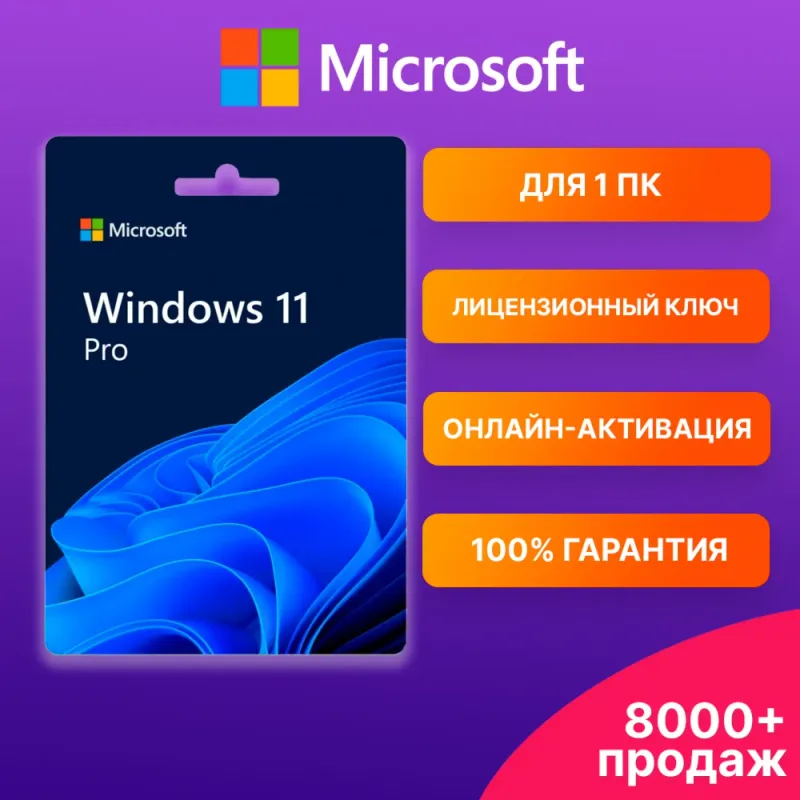
- Windows 11 Pro — OEM activation key — the installer is downloaded from the official Microsoft site and activated with the key; the license covers one PC and binds to its hardware. Instructions, seller support and a receipt are included.
- Windows 11 Home — OEM activation key — the same format for the home edition: a key, installation and activation instructions, and a purchase receipt.
- Windows 10/11 Pro and Home — license key — the universal listing: the version (10 or 11), edition (Home or Pro) and license type (Retail or OEM) are chosen in the options at checkout. The one to pick if you specifically want a transferable Retail key or Windows 10 for an older PC.
- Windows 10/11 Pro and Home — global key — a perpetual key with global regional binding, delivered automatically right after payment; activation on one device, and the Pro key also works for upgrading a Home edition to Pro. One nuance from the listing: the default option in the seller’s list is a gift item without a Windows key — pick the option with the edition you need when ordering.
- Windows 11/10 Pro and Home — Retail or OEM key — another universal listing with a choice: the version (11 or 10), edition (Home or Pro) and license type (Retail or OEM) are set in the options at checkout. A perpetual license for 1 PC, any language and x32/x64 bitness, instant key delivery. Per the listing it activates both fresh installs and a system already in use while keeping your data; the Retail variant works for upgrading Home to Pro.
- Windows 11 Pro — key with online activation — a standalone Pro-only key delivered digitally (ESD): a 1-PC license with no expiry, online activation in any country, any language and x32/x64 bitness. The one to pick if you specifically want Pro and don’t need the Home/Retail/OEM choice.
Listings compared
| Listing | Edition | License type | Binding |
|---|---|---|---|
| Windows 11 Pro OEM | Pro | OEM | To one PC’s hardware, not transferable |
| Windows 11 Home OEM | Home | OEM | To one PC’s hardware, not transferable |
| Windows 10/11 Pro and Home | Home or Pro | Retail or OEM — per option | The OEM variant binds to a single PC |
| Windows 10/11 Global | Home or Pro | Perpetual, Global | One device, no regional restrictions |
| Windows 11/10 Retail or OEM | Home or Pro (11 or 10) | Retail or OEM — per option | Retail — to the account, OEM — to the motherboard |
| Windows 11 Pro online | Pro | Perpetual, online activation | One PC, tied to the device |
What to check before paying
- Edition and version. A Home key won’t activate Pro and vice versa; in the universal listing the edition and Windows version are picked as an option — double-check your choice before paying.
- License type. If an offer carries both Retail and OEM variants, make sure you pick the right one: the difference shows up at your next computer upgrade.
- PC compatibility with Windows 11. The system requirements (TPM 2.0, supported CPUs) take a minute to verify — more in the editions guide.
- The listing’s terms. The activation method, bitness and support flow are described by the seller — read the specific offer and the buyer reviews.
A freshly installed system usually gets an office suite next — which perpetual key to choose is covered in our guide “Office 2024, 2021 or 2019”.
Bazelio is a storefront: payment and key delivery happen with the seller on the payment platform, and disputes follow the platform’s rules — see the “Refunds & disputes” page. All system software lives in the Software section.