Battlefield 6 and REDSEC — BFC currency top-up
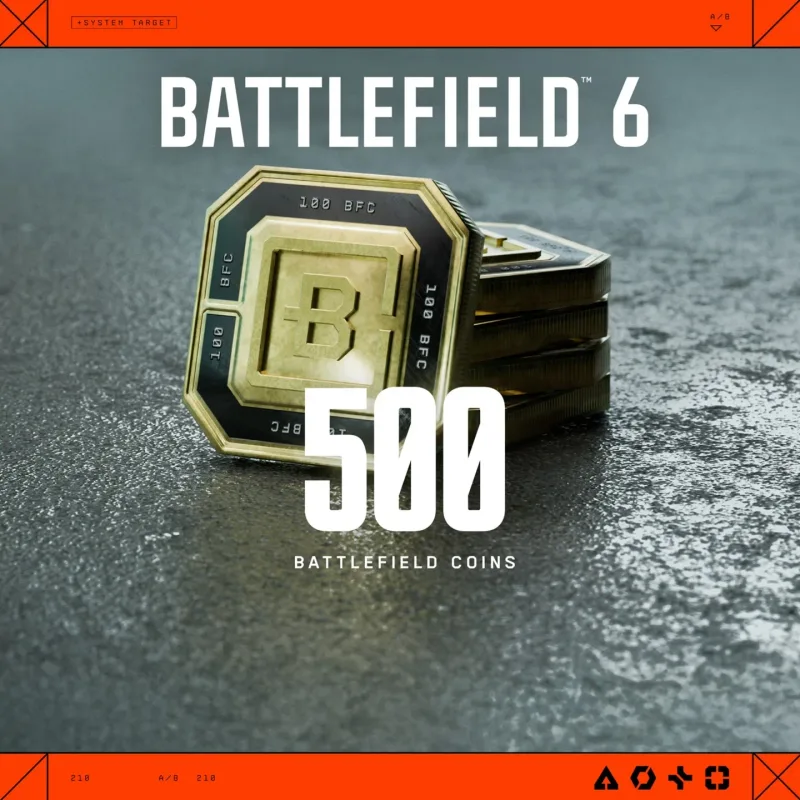
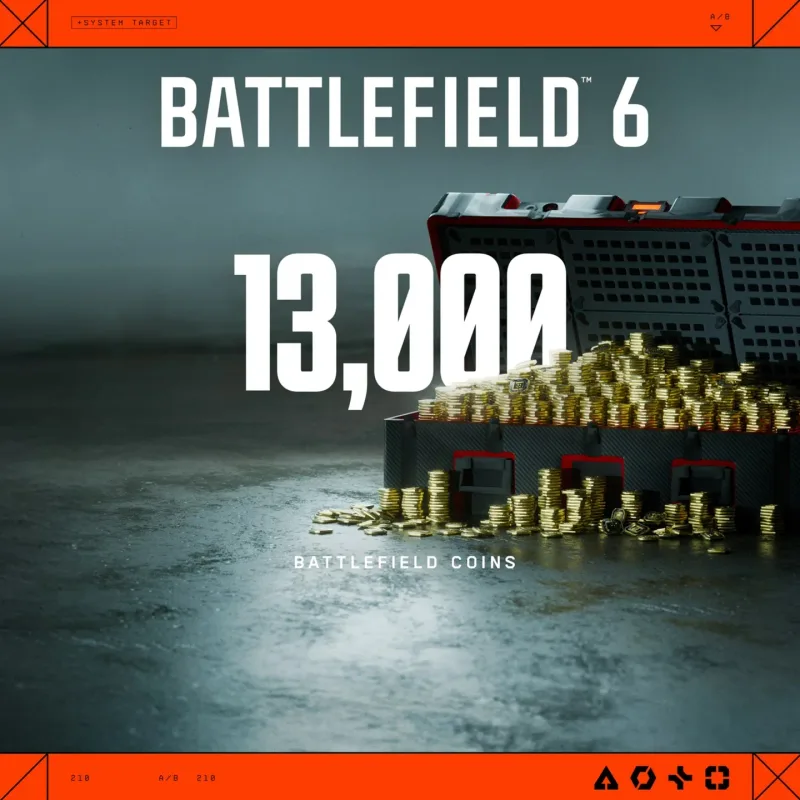
A top-up of BFC in-game currency for Battlefield 6 and REDSEC to your account. Tiers from 500 to 13000 BFC, credited by an operator after authorization.
Bazelio is a storefront-aggregator. Payment, delivery, refunds and support depend on the seller and the payment platform. Check the terms of the specific offer before buying.
A top-up of in-game BFC (Battlefield Coins) for Battlefield 6 and REDSEC to your account. Tiers run from 500 up to 13000 BFC — pick the amount you want at checkout. The seller's operator credits the currency once you provide the authorization details; this usually takes 10–15 minutes after authorization.
What you get
- The chosen amount of BFC on your account for Battlefield 6 and REDSEC.
- Tiers to choose from: 500, 1100, 2400, 5000 or 13000 BFC.
- Crediting by an operator after authorization, typically within 10–15 minutes.
- Seller support through the order's message thread.
Important conditions
- The currency is credited through the Xbox version of the game; for PC and PlayStation, first link your accounts in EA Connected Accounts.
- After payment you provide the operator with the unique order code and the login for your account.
- Crediting is done manually after authorization, not instantly.
- The currency and support are provided by a third-party seller.
Before you pay, check
- That the right BFC tier and platform are selected.
- That your accounts are linked in EA Connected Accounts for PC or PlayStation.
- The crediting and support terms on the seller's page.
Reviews 100+
99%
positive ratings
- 103 Positive
- 1 Negative
- 104 reviews
-
Все пришло быстро!
-
Четко быстро, не наеб самое главное.
-
Товар получил, продавец помог с возникшими проблемами, очень рекомендую
-
Все отлично , после покупки в течении получаса все сделали. Спасибо.
-
Всё успешно пришло за пару минут, продавцу спасибо за оперативность
-
благодарю прошло всё быстро
-
Все прошло отлично, рекомендую!
-
Спасибо! Быстро оформили!
No reviews yet
Frequently asked questions
How do I use the code or top-up?
The code is entered in the service wallet or account — instructions are on the card. For ID top-ups the required details are also stated on the product card.
Do the region and denomination matter?
Yes, cards and top-ups are usually region-bound and the denomination is fixed. Verify the region and amount before paying — they can’t be changed afterwards.
When will the code arrive?
Items marked “Instant” deliver the code right after payment by the seller on the payment platform.
Guides
Product guides
Related products




Recently viewed
Your purchase opened in a new tab
Subscribe to the channel — deals and new keys so you don't overpay next time.