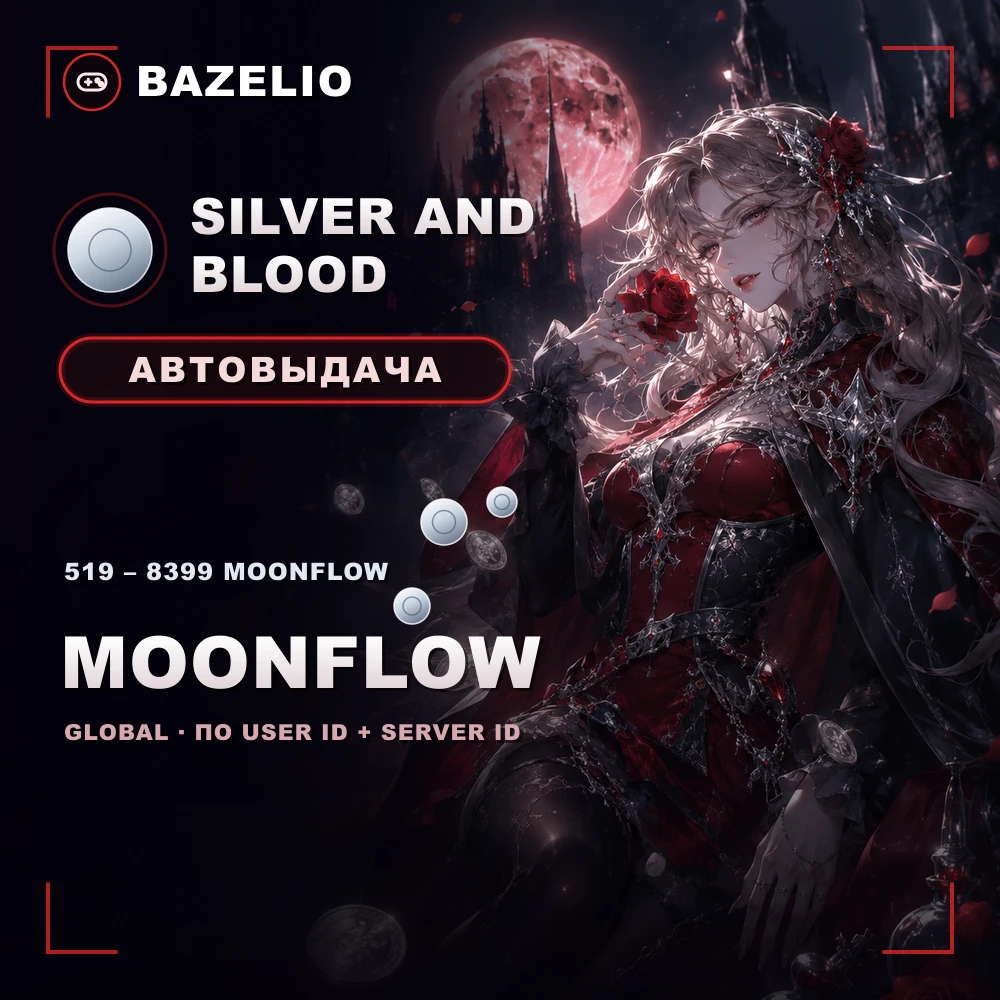
Top-ups
Silver and Blood — how to top up Moonflow by User ID and Server ID
How to buy Moonflow in Silver and Blood by User ID and Server ID with no login: denominations from 519 to 8399, where to find both IDs and what to check. iOS and Android.
Silver and Blood is a gothic vampire RPG with hero collection. Its premium currency Moonflow is topped up via two fields: User ID and Server ID, with no account login or password.
Denominations
Silver and Blood — Moonflow by User ID and Server ID — from 519 to 8399 Moonflow: 519, 1039, 2079, 3134, 5774 and 8399. Delivery is automatic 24/7 and works on iOS and Android in all regions.
How to top up: where to find your IDs
This is a direct top-up by ID, not a code or a promo code.
- Open Silver and Blood and go to your account profile.
- Find your User ID (UID) and Server ID.
- Enter both into their separate fields, choose a Moonflow denomination and pay — the currency is credited automatically.
What to check before paying
- User ID and Server ID. Enter both exactly as in the game, in their separate fields. A mistake cannot be refunded.
- Format. A direct top-up by ID, not a code to redeem.
- Timing. Usually a few minutes, but it can take more than 90 minutes — depending on the game’s servers.
- Reviews on the card — real crediting speed.
Bazelio is a storefront: payment is taken by the seller on the payment platform, who handles crediting and support. Other top-ups are in the Game currency category; general buying rules are in “A marketplace or buying direct”.