Top-ups
Telegram Stars: how to top up Stars by @username
How to buy Telegram Stars by @username with no login: what Stars are for, a 50 minimum, how to enter your username and what to check before paying. All regions.
On this page
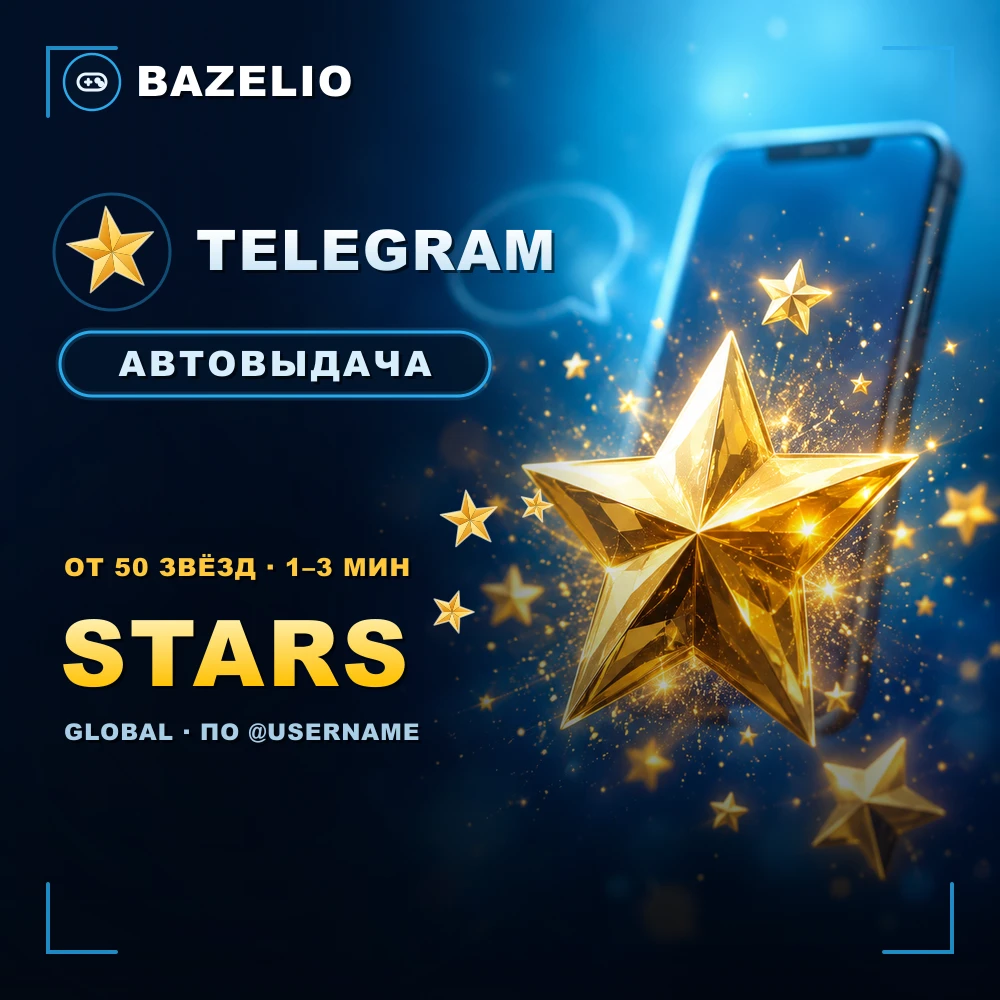
Telegram Stars are the messenger’s in-app currency. They are sent as a gift to your account by @username, with no account login or password. The minimum is 50 Stars, and you set the amount yourself.
What Telegram Stars are for
- 🎁 Sending gifts in Telegram.
- 💳 Paying for digital goods and services, purchases in bots and mini-apps.
- 🙌 Supporting channel authors with paid reactions.
- 💵 Subscribing to paid channels and exclusive content.
- 🌟 Buying ads.
How to top up: the by-@username format
This is a top-up by @username, not a code or a gift card. It works in all regions, with automatic delivery 24/7 in 1–3 minutes.
- Open the Telegram Stars — top up by @username card.
- Enter your @username (format:
usernameor@username, or at.me/...link). - Enter the amount of Stars (from 50) and pay — Stars arrive on your account automatically.
What to check before paying
- The correct @username. A wrong username sends the Stars to another account — no refund.
- Delivery format. Stars arrive as a gift, with no account login.
- Amount. Minimum 50 Stars; the price is based on the quantity.
- Delays. Usually 1–3 minutes; in rare cases there may be delays on Telegram’s side.
Bazelio is a storefront: payment is taken by the seller on the payment platform, who handles crediting and support. The messenger subscription is covered in “Telegram Premium: ways to buy”; general buying rules are in “A marketplace or buying direct”.