Updates
Marvel Rivals August 7 patch shrinks install size
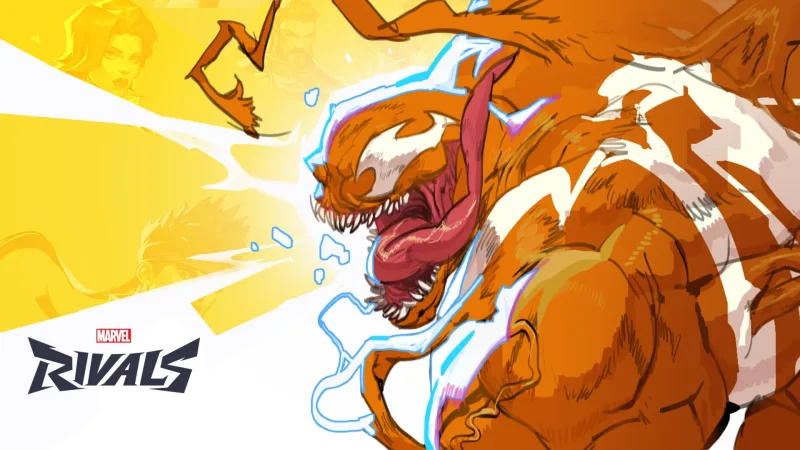
Marvel Rivals kicks off the second half of Season 9 on August 7 with a new hero, a swimsuit collection and optimised game file sizes.
Marvel Rivals is getting an update on August 7 that opens the second half of Season 9. Alongside the content additions, the team promises something every owner will notice: the game’s files are being optimised, so the shooter will take up less storage space after the patch. Creative director Guangyun Chen shared the details.
On the content side, the patch brings a new hero and a summer-themed cosmetic collection built around swimsuits. In other words, it covers all three areas a live-service shooter usually works on at once: roster expansion, fresh skins, and technical upkeep of the client.
What has been confirmed
The confirmed facts are still short and specific: the date is August 7; the event is Season 9 rolling into its second half; the content is a new playable character plus a swimsuit collection; and the technical change is optimisation of the game’s file size. No figures for saved gigabytes, no hero name and no full list of cosmetics were given in the announcement, so treat anything beyond that as unconfirmed until the developers publish patch notes on release day.
Split seasons have become the norm for Marvel Rivals: each season is divided in two, and the mid-point drop usually adds a character and refreshes the in-game store. For players that means August 7 is not only about a new pick in the hero select screen, but also about a meta shift — any new character reshuffles team compositions and ban priorities at higher ranks.
The storage note deserves separate attention. Live-service shooters typically move in the opposite direction: builds grow season after season and free disk space keeps shrinking. A patch that reduces the installed footprint is a rare and genuinely useful move, particularly on consoles and laptops with smaller drives. It also indirectly affects how quickly future updates download and how many games you can keep installed at the same time.
What it means if you plan to spend
Marvel Rivals is free-to-play, so “buying in” here is about in-game spending rather than the game itself: premium bundles, skins and currency. A season mid-point is exactly the moment when it pays to wait a couple of days and see what actually lands in the store. Based on the announcement, the swimsuit collection will be one of the headline offers, and a new hero normally arrives with cosmetics of their own.
The practical order is simple: check the in-game shop after August 7, decide what you actually want, and top up only then — that way you avoid buying currency “just in case” and leaving it unused. Lattices can be topped up by account ID; seller offers and the current price are listed on the Marvel Rivals — Lattices top-up by ID page. Bazelio aggregates offers from partner platforms, and the purchase itself happens on the seller’s side, where delivery terms and support conditions are stated.
If you prefer ready-made bundles over raw currency, the In-game Currency section collects live-service offers, including themed Marvel Rivals packs. Check the platform before checkout — some DLC bundles are tied to a specific console or store account, and that detail is spelled out in the listing.
One last practical note: free up some storage before August 7. Even if the patch reduces the final install size, updates usually need temporary headroom on the drive while they are being applied.