Streaming
Netflix on a marketplace: plans and access formats
Netflix Premium 4K and Ultra HD on a marketplace: account access formats — shared, private profile and a gift card — and what to check before you pay.
On this page
Netflix is a streaming service with films, series and its own originals. On the Bazelio marketplace it is almost always sold not as a personal subscription on your own profile, but as access to an account — most often the top Premium tier with 4K / Ultra HD quality. Below we look at what stands behind these offers and the formats they come in.
What the Premium 4K / Ultra HD tier gives you
Premium is Netflix’s top tier: the highest picture quality (4K / Ultra HD where supported), viewing on phone, PC, tablet, smart TV and set-top box. Per the seller descriptions, what you buy is access to an account with the tier already active: the login details arrive after payment — this is not an activation key that you enter yourself on your own profile. Check the number of screens and profiles in the title and description of each card; if it isn’t stated there, the seller doesn’t guarantee it.
Purchase formats in the catalogue
Account access — flexible term. Netflix Premium 4K — account access for 30–365 days — the term is chosen in the card options, from a month to a year. The Netflix Premium Ultra HD account for 6 months and the Netflix Premium 4K access for 1 month work the same way: you get sign-in to an account with the tier active for the chosen period.
Shared account. Netflix Premium 4K UHD — shared account for 1 month and Netflix Premium 4K — shared account for 365 days — access to an account that, per the description, is used by several people. Here it’s worth confirming the terms with the seller in advance: how many devices and profiles are available, and whether you can watch in parallel.
Private profile. Netflix Premium 4K — private profile (1–3 months) — per the description, a separate profile inside an account, with the term chosen in the options. This format is closer to a personal space than a shared account, but it’s still access to an account rather than a subscription on your own profile.
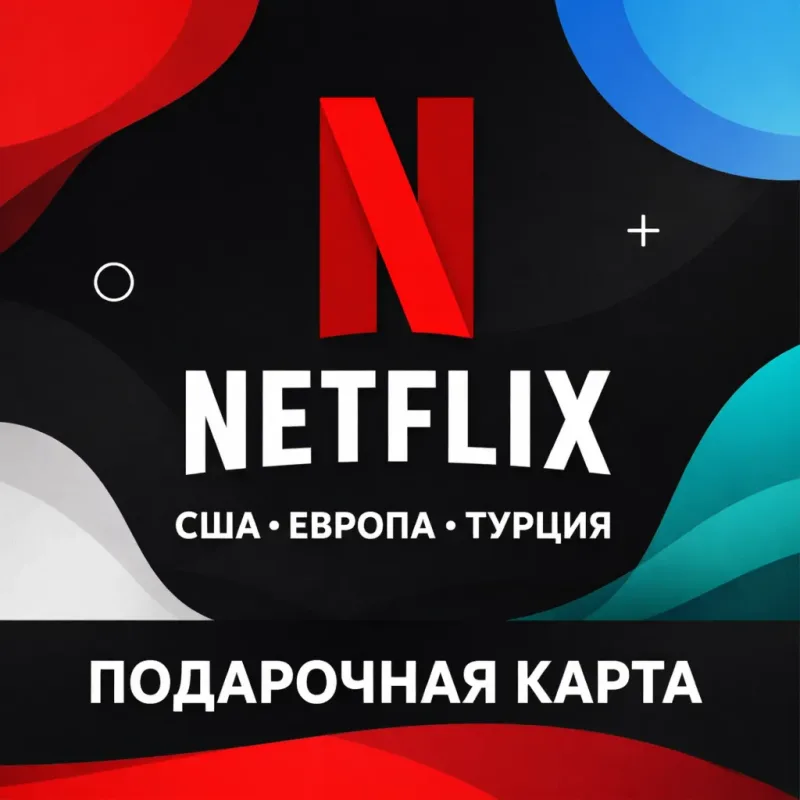
Gift card. Netflix — gift card (USA, Europe, Turkey) — another format: a denomination for topping up a Netflix balance. It’s a standalone offer for the region you need; the exact terms of use are described on the card and by the seller.
How account access differs from a personal subscription on your own profile is covered in “Shared account, personal account or key”, and the “pay — send the code in chat — receive details” flow is in “The unique code and the seller chat”.
Comparing the formats
| Offer | Tier | Term | Format |
|---|---|---|---|
| Access 30–365 days | Premium 4K | 1–12 mo | Account access |
| Ultra HD, 6 months | Premium Ultra HD | 6 mo | Account access |
| Shared account, 1 month | Premium 4K UHD | 1 mo | Shared account |
| Shared account, 365 days | Premium 4K | 12 mo | Shared account |
| Private profile | Premium 4K | 1–3 mo | Profile in an account |
| Gift card | — | — | Top-up card |
What to check before paying
- The tier and term in the chosen option. In multi-item cards, Premium 4K and Ultra HD and the different terms are separate options of one card — confirm your choice before paying.
- The access format. Account access (shared or a private profile) means signing in to someone else’s account, not a subscription on your own profile; the account details usually can’t be changed.
- Screens and profiles. How many devices and profiles are available and whether parallel viewing is possible — confirm in advance if it isn’t stated in the title.
- The delivery order. Whether the details arrive automatically or you need to send the seller a code in the order chat.
- The warranty and refund rules of the specific offer, and the buyer reviews on the card.
Bazelio is a storefront: the seller accepts payment on a payment platform and is responsible for delivering the details, the warranty and support. If something goes wrong, the steps are on the “Refunds and disputes” page, and all the offers are gathered in the Video & streaming category.