Video
DaVinci Resolve Studio: how the paid version differs from the free one
DaVinci Resolve Studio: what the paid version adds over the free Blackmagic editor, a perpetual licence for two devices, and what to check before paying.
On this page
DaVinci Resolve by Blackmagic Design is one of the leading professional editors: it combines video editing, colour grading, audio (Fairlight) and visual effects (Fusion) in one app. The program has a fully featured free version, and the paid Studio edition removes its limits. On the Bazelio marketplace Studio is sold as a perpetual key. Let’s break down what the paid version actually gives you, who needs it, who is fine on free, and how to activate the key.
Free vs Studio at a glance
| Capability | Free | Studio |
|---|---|---|
| Editing, colour, Fairlight, Fusion | yes | yes |
| Export | up to 4K (UHD) | up to 32K, high frame rates |
| AI tools (DaVinci Neural Engine) | no | yes (Magic Mask, face recognition, more) |
| Noise reduction (temporal/spatial) | no | yes |
| HDR and Dolby Vision | no | yes |
| Multiple GPUs | no | yes |
| Purchase model | free | perpetual key |
The free version is enough for full editing and basic grading — it’s a real tool, not a crippled trial. Studio is for where high resolutions, advanced colour, neural-network features and maximum performance begin.
What Studio adds
Per the seller’s description the key unlocks all of the Studio edition’s features: resolution up to 32K and 120 fps, 10-bit processing, GPU acceleration, advanced AI tools (Magic Mask, face recognition and more), plus HDR and Dolby Vision. Grouped by task:
- Colour and HDR. The full set of high-end grading tools, HDR work and Dolby Vision support — the reason colourists pick DaVinci.
- Neural engine (DaVinci Neural Engine). Magic Mask to isolate objects and people, face detection and refinement, accelerated operations that simply aren’t available in the free version.
- Image quality. Noise reduction (temporal and spatial) and other filters missing from Free — visible on low-light, high-ISO footage.
- Performance and formats. Multiple-GPU support, high resolutions and frame rates, 10-bit processing — for heavy 4K+ projects and finishing.
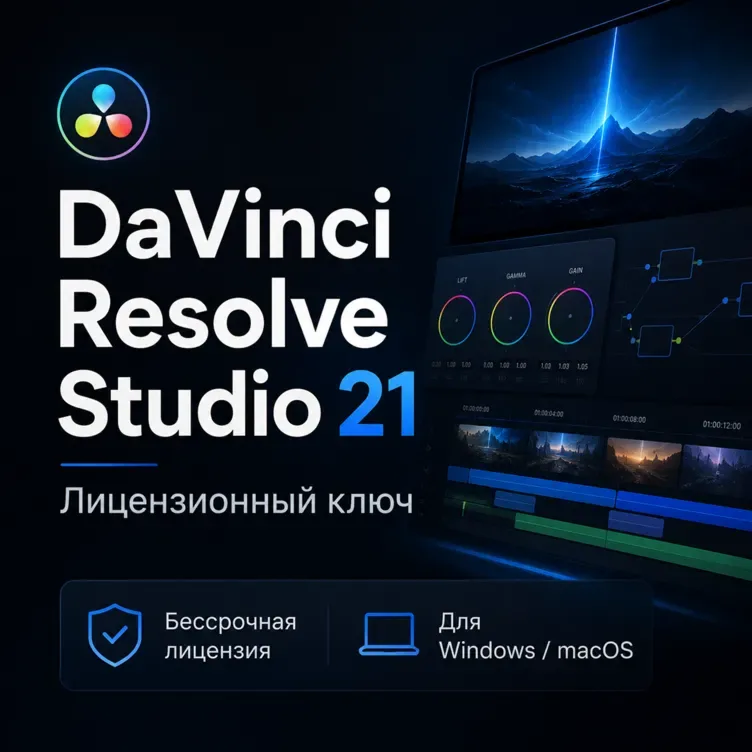
DaVinci Resolve Studio 21 — license key unlocks all of the above at once.
Who needs Studio, who is fine on free
- Free is enough: for creators and editors who need export up to 4K, basic colour and standard effects; for study and most YouTube work.
- Studio is needed: for anyone working in HDR/Dolby Vision, using neural tools (Magic Mask, noise reduction, face recognition), shooting in difficult light, editing above 4K or across multiple GPUs, and for colourists and finishing specialists.
A perpetual licence, no subscription
The Studio key is a perpetual licence: per the seller’s description it is a one-off purchase with no subscription or monthly payments, and one key activates on two computers at once (for example, work and home). The key works for versions 20 and 21. This sets DaVinci apart from many editors that are subscription-only: you pay once and use it with no monthly charges.
How to activate the key
- Download the DaVinci Resolve Studio installer from the official Blackmagic Design site and install it (versions 20 and 21 are supported).
- Launch Resolve and find the activation/licence dialog (usually offered on first launch or in settings).
- Enter the licence key you received from the seller.
- Per the seller’s description one key activates on two computers — you can activate it on your work and home machines.
For the exact steps and delivery method, see the product description and the seller’s messages — the seller defines how the key is delivered.
What to check before paying
- Version. The key is stated for versions 20 and 21 — make sure you install a supported one.
- Perpetuity and devices. A licence with no subscription, activation on two computers — handy if you work across several machines.
- System requirements. Studio is demanding on GPU and RAM, especially for 4K+ and AI tools; check your configuration.
- Activation format. You enter the key in the program itself; the installer is downloaded from the Blackmagic site.
- The seller’s reviews on the card — real experience of activations with that particular seller.
FAQ
How does paid Studio differ from the free version? Free is a full editor with export up to 4K. Studio adds resolutions up to 32K and high frame rates, neural tools (DaVinci Neural Engine: Magic Mask, face recognition), noise reduction, HDR and Dolby Vision, and multiple-GPU support.
Is it a subscription or a one-off purchase? Per the seller’s description it is a perpetual licence: a one-off purchase with no subscription or monthly payments.
How many devices does the key work on? Per the seller’s description one key activates on two computers at once.
Which version is the key for? It is stated for versions 20 and 21.
Where do I download the program itself? The DaVinci Resolve Studio installer is downloaded from the official Blackmagic Design site; the key is entered in the program.
Bazelio is a storefront: the seller accepts payment on a payment platform and is responsible for delivering the key and for support. Neural-network tools for video are covered in the guide “AI video editing”, and other licences are in the Software & licences category.