AI
ChatGPT Plus and Pro: ways to buy — your account, a ready-made account or a renewal
How to buy ChatGPT Plus or Pro on a marketplace: activation on your account, renewal, ready-made or shared accounts — formats compared and what to check.
On this page
ChatGPT Plus is OpenAI’s base paid plan: current GPT models, image generation, file analysis and priority access at peak times. Pro is a plan with much higher usage limits for intensive work, and Business is the team tier. On marketplaces the same subscription is sold in very different formats — from payment onto your own account to ready-made and shared accounts. Let’s sort the catalog listings by format, because the price and the convenience depend on the format, not on the listing’s name.
Payment onto your existing account
The most convenient format: the subscription appears on your own profile, and your chat history and settings stay with you. There are two mechanics — with the seller signing in to your account, and without.
- ChatGPT Plus — 1-month subscription on your account — classic activation: the seller needs your sign-in details; change the password after the service is delivered.
- ChatGPT Plus — subscription payment on your account — no login or password handed over: after payment you receive a unique code and instructions.
- ChatGPT Plus + Codex — Plus and Pro plans — Plus is activated by exchanging codes without login; the Pro 5X and Pro 20X plans require signing in to your account.
- In the ChatGPT Plus — private access for 1 month listing, the “your account” variant sits next to a ready private account — you pick the format in the options at checkout.
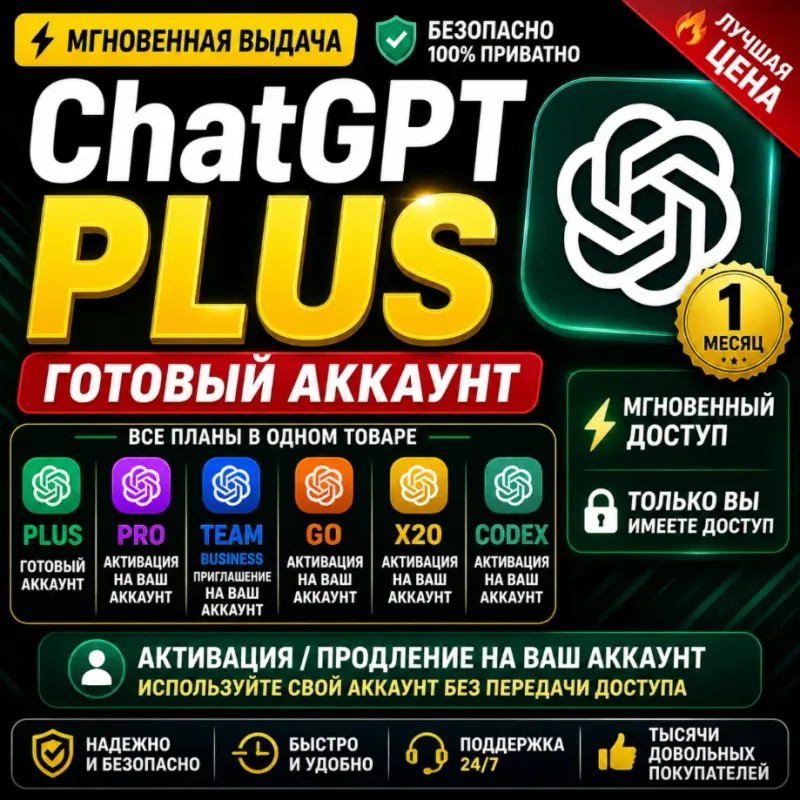
- ChatGPT Plus / Pro / Go — your or a new account subscription — Go and Plus connect automatically in about a minute 24/7, Pro 5X/20X manually; the format is yours to pick: on your account (with sign-in, without sign-in, or via Google) or a new account on your email. Plus and Pro plans include Codex.
- ChatGPT Plus / Pro / Go — activation without sign-in — the subscription is set up on your account with no password or email shared: Plus and Go arrive as an activation code, Pro as a link. Your account must have no active subscription before activation.
- ChatGPT Plus, GO and PRO — OpenAI subscription for 1 month — one of the Plus, GO or PRO plans for 1 month, with the format chosen in the options: renewal on your account without sign-in (via a token), by login and password, via a payment link, or a new account on your email.
Renewing an active subscription
Technically the same payment onto your account, but these listings target people whose Plus or Pro is already set up and about to expire.
- ChatGPT Go / Plus — subscription renewal — Plus is activated with a token without the seller logging in; chat history and memory are preserved.
- ChatGPT Pro and Plus — subscription renewal — a renewal or an upgrade to Pro; some variants require login, and there are also ready-account options on a fresh email.
- ChatGPT Plus / Pro / Go — renew your subscription — a renewal on your own account, with chat history and settings staying in place. “Auto” options are processed by a bot in 1–2 minutes with no sign-in, the rest manually within 12 hours; subscription terms do not stack.
Ready-made personal account
The seller hands over a new account with an already active subscription: login, password, often the email too. The limits are yours alone, but the profile wasn’t registered by you — how this format differs from the others is covered in our guide “Shared account, personal account or key”.
- ChatGPT Plus / Pro — ready-made personal account — Plus is delivered automatically 24/7, Pro X5 and X20 per the chosen option; the account email is included.
- ChatGPT Plus — ready account for 1 month (+ Codex) — automatic delivery around the clock, with an option that includes the activated Codex assistant.
- ChatGPT Plus — account with email, 1 month (24/7) — a ready account with a Plus subscription and a full handover: the email login, the ChatGPT password and the mailbox password are all included, with automatic delivery within a minute on average. Change both passwords after signing in.
Shared access
The cheapest format: several buyers use the account at once, the limits are split, and others can see the request history. Don’t keep personal data in such an account.
- ChatGPT Plus — shared account access — 1 month, the seller sends the sign-in details via chat.
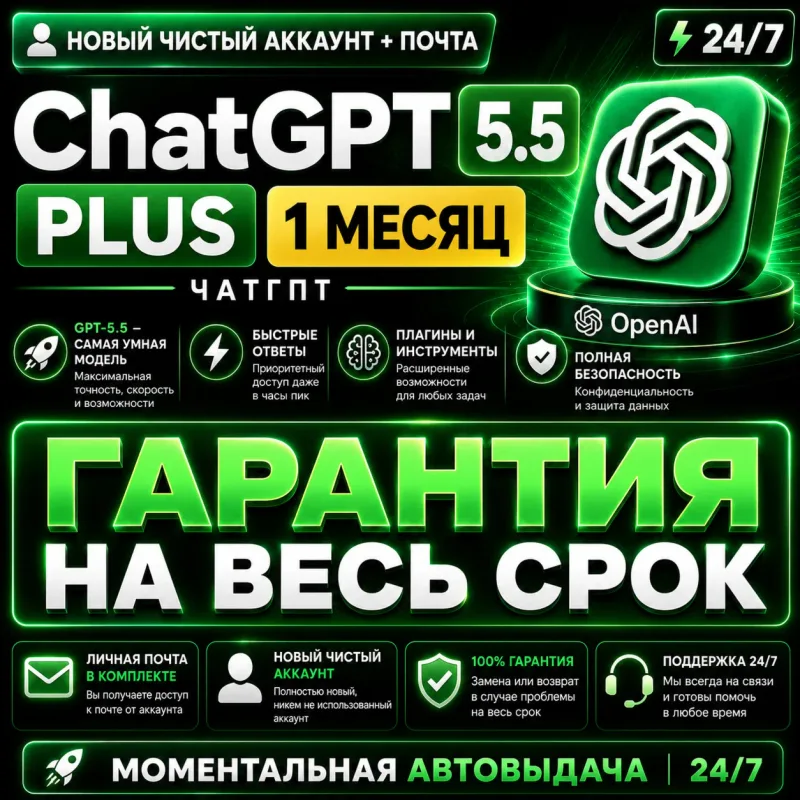
- ChatGPT 5.5 Plus for 30 days — shared account — shared access to an account with a Plus subscription for 30 days; details come as login;password and are meant for a single device, with request limits split among other users.
- ChatGPT Plus — shared account with a 1-month subscription — a shared account with an active 1-month Plus subscription; login uses a two-factor code you request from the seller each time, the number of devices is chosen in the options, and limits are split.
- The ChatGPT Plus / Business — account or activation listing has a “Plus, 7 days” shared-account variant — a short term that works well as a trial.
In every shared-account variant the limits and history are split between several buyers — more on this in the guide “Shared account, personal account or key”.
The Business team plan
The same ChatGPT Plus / Business listing offers ChatGPT Business activation on your own account for 1 month — no account handover, just a valid email and the seller’s instructions.
Account without a subscription
- ChatGPT — personal account with email is a ready-made account on the free tier: no paid plan is active on it. Useful if you want a separate “clean” profile — for example, to later add a subscription to it via any of the methods above.
- ChatGPT — shared OpenAI account (free plan) — access to the chatbot via a shared account with no paid plan: the login and password arrive by email after payment, the details cannot be changed, and several people use the account. This is not a Plus subscription, but sign-in to a shared free account.
Picking the right format
| What matters to you | The right format |
|---|---|
| Your own chat history, settings, privacy | Payment or renewal on your account |
| Not sharing your password | “No login” variants — code or token activation |
| A clean profile and dedicated limits | Ready-made personal account |
| Minimum price or a short trial | Shared account |
| Access for a team | Business activation |
If you are still choosing between assistants, see our guides on Claude Pro and Max and on alternatives to ChatGPT.
What to check before paying
- The format in the chosen option. In multi-variant listings (“renewal or ready account”) the format depends on the option at checkout — verify it before paying.
- Whether sign-in details are required. If yes — change your password after the order is completed; “no login” variants work via a code or token.
- The term and its starting point. A month usually counts from activation or delivery.
- The refund and warranty rules of the specific offer — described on the product page and by the seller.
- Regional availability of the service — make sure ChatGPT works where you plan to use it.
- Buyer reviews on the listing — real activation experience with this seller.
Bazelio is a storefront: payment is taken by the seller on the payment platform, and the seller handles activation, replacements and support. General selection principles live in “How to choose”, and other AI services are collected in the Subscriptions category.