Top-ups
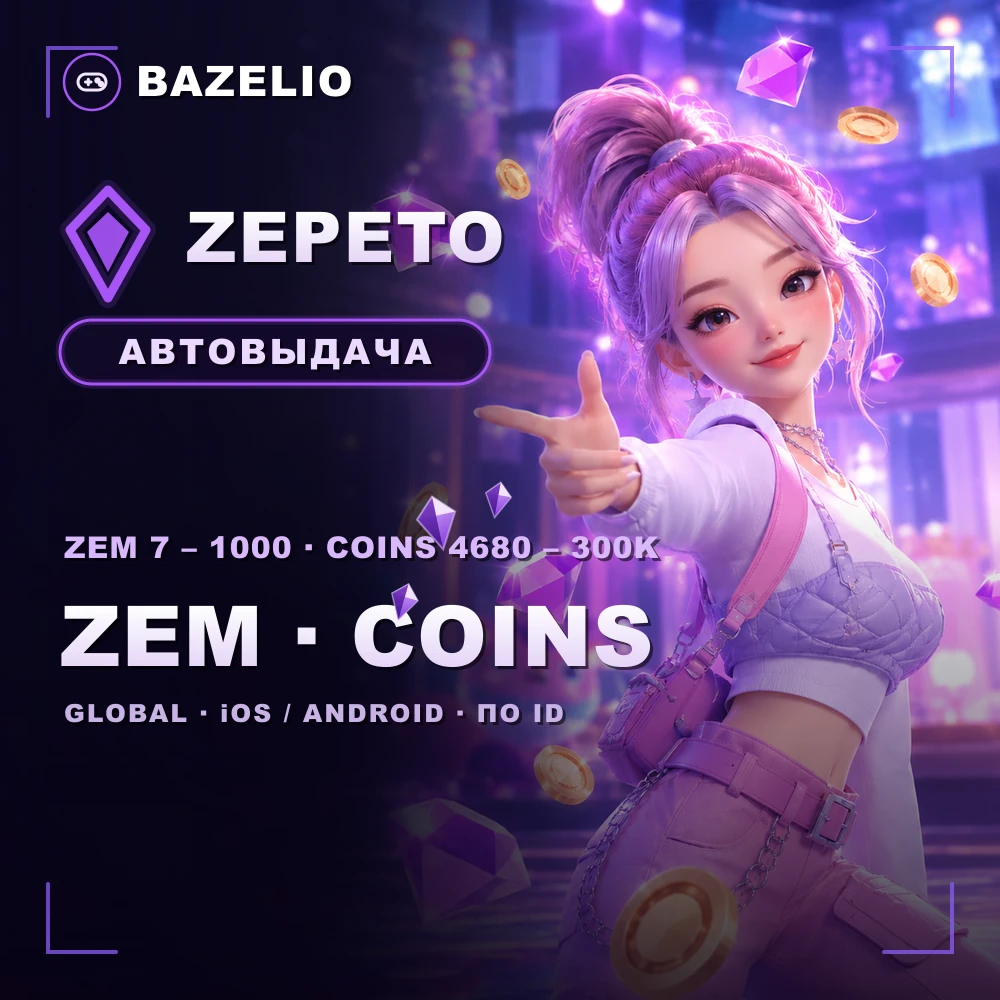
ZEPETO: how to top up ZEM and Coins by ID
How to buy ZEM and Coins in ZEPETO by ID with no login: how ZEM differs from Coins, the denominations, where to find your ID and what to check. iOS and Android.
On this page
ZEPETO is a social app with 3D avatars and virtual worlds. It has two currencies: premium ZEM and regular Coins. Both are topped up by ID with no login or password. Here’s how they differ.
ZEM or Coins
- ZEM is the premium currency: it buys the most sought-after items, premium clothing and avatar accessories.
- Coins are the basic currency for everyday cosmetic purchases in the catalogue.
If you want premium looks, get ZEM; for ordinary buys, Coins are enough.
Denominations
ZEPETO — ZEM and Coins by ID — ZEM: 7, 14, 28, 58, 128, 323 and 1000; Coins: 4680, 9700, 25,200, 40,700, 110,000 and 300,000. The top-up goes through the official app store, delivered automatically 24/7.
How to top up: where to find your ID
This is a direct top-up by ID, not a code or a gift card. It works on iOS and Android in all countries (Global), including Russia.
- Open your Profile — your ID is shown as a code under the profile name.
- Choose the ZEM or Coins denomination and enter the ID.
- Pay — the currency is credited automatically.
What to check before paying
- The correct ID. A wrong ID sends the top-up to another account — no refund.
- What you’re buying. ZEM and Coins are different currencies; confirm which you need.
- Format. A direct top-up by ID, not a code to redeem.
- Reviews on the card — real crediting speed.
Bazelio is a storefront: payment is taken by the seller on the payment platform, who handles crediting and support. Other top-ups are in the Game currency category; topping up Steam is in “How to top up your Steam Wallet”; general buying rules are in “A marketplace or buying direct”.