Top-ups
Super SUS: how to top up Goldstar, cards and passes by Space ID
How to buy Goldstar, cards and passes in Super SUS by Space ID with no login: what they buy, Goldstar denominations 100–5600 and what to check. iOS and Android.
On this page
Goldstar is the main premium currency of Super SUS, a social deduction game in the spirit of Among Us. Alongside gold there are cards and passes. Everything is credited by Space ID with no login or password. Here’s what’s what.
What Goldstar, cards and passes are spent on
- Goldstar (gold) — on skins, pets, gifts and shop items.
- Cards (Weekly, Monthly, Super VIP) — regular bonuses and perks for a period.
- Passes (Super Pass, Super Pass Bundle) — seasonal progression with rewards.
Denominations
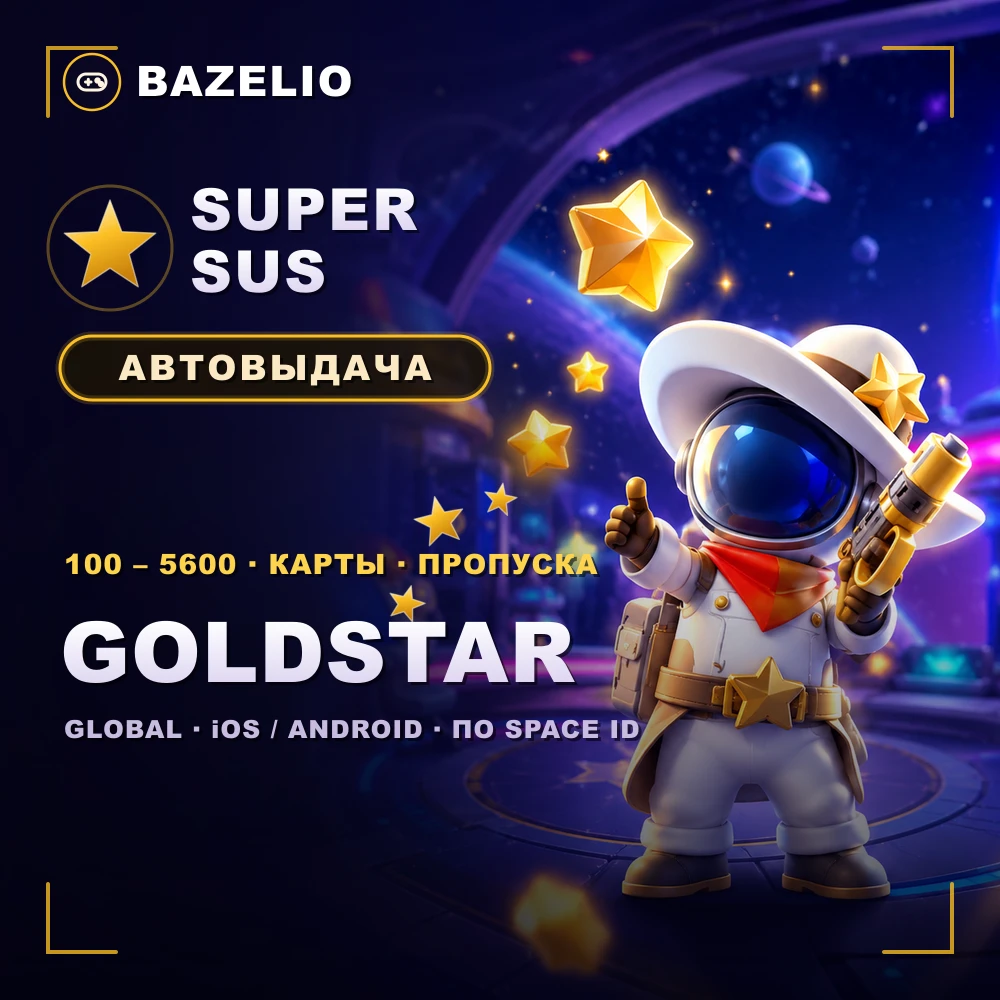
Super SUS — Goldstar, cards and passes by Space ID — Goldstar in 100, 310, 520, 1060, 2180 and 5600 (with bonus Extra Goldstar), plus Weekly / Monthly / Super VIP Card and Super Pass / Super Pass Bundle. Delivery is automatic 24/7, usually 2–10 minutes.
How to top up: where to find your Space ID
This is a direct top-up by Space ID, not a code or a promo code. The game runs on iOS and Android, all regions (Global).
- Find your Space ID in your Super SUS profile.
- Choose the Goldstar denomination, a card or a pass and enter your Space ID.
- Pay — the item is credited automatically.
What to check before paying
- The correct Space ID. A wrong ID sends the top-up to another account — no refund.
- Region for cards and passes. These can depend on the account’s region — pick an option available in yours.
- Format. A direct top-up by ID, not a code to redeem.
- Reviews on the card — real crediting speed.
Bazelio is a storefront: payment is taken by the seller on the payment platform, who handles crediting and support. Other top-ups are in the Game currency category; topping up Steam is in “How to top up your Steam Wallet”; general buying rules are in “A marketplace or buying direct”.