Top-ups
Stumble Guys: how to top up Gems and Stumble Tokens by ID
How to buy Gems and Stumble Tokens in Stumble Guys by ID with no login: what they buy, the packs and first-purchase combos, and what to check. PC, iOS, Android.
On this page
Gems and Stumble Tokens are the in-game currencies of the playful battle royale Stumble Guys. A top-up by ID credits them straight to your account with no login or password. Here are the packs and the first-purchase combo catch.
What Gems and Tokens are spent on
- Gems go toward character skins, emotes and other cosmetics.
- Stumble Tokens are a separate currency for special items and rewards.
Packs and denominations
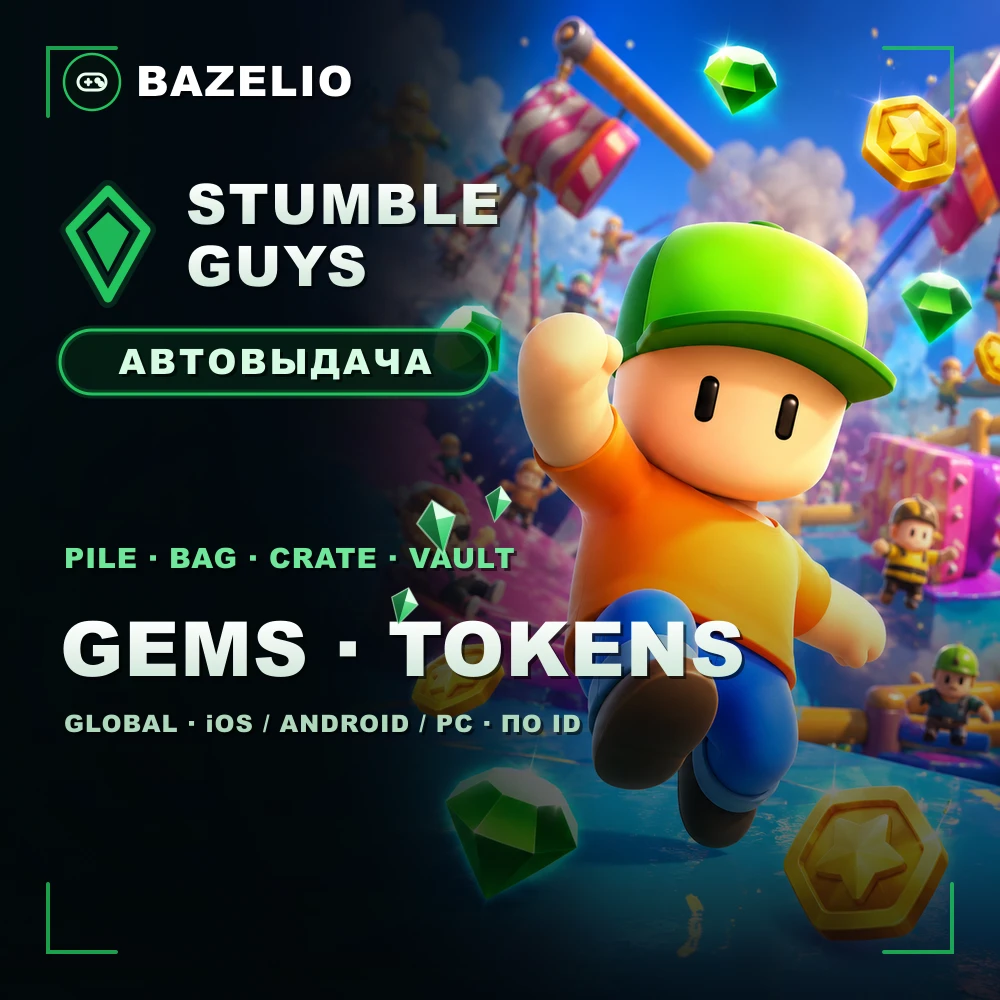
Stumble Guys — Gems and Stumble Tokens by ID — the options include:
- Gems: Pile (250) and Bag (800).
- Stumble Tokens: Pile (120) and Vault (1300).
- First-purchase combos: Crate (1600 Gems + 75 Tokens) and Vault (5000 Gems + 275 Tokens).
Delivery is automatic 24/7 (occasionally up to 90 minutes during load).
How to top up: where to find your ID
This is a direct top-up by ID / nickname, not a code or a promo code. The game runs on PC, iOS and Android in all countries (Global), including Russia.
- Find your ID or nickname in your Stumble Guys profile.
- Choose the Gems or Tokens pack and enter the details.
- Pay — the item is credited automatically.
What to check before paying
- The correct ID / nickname. A mistake sends the top-up to another account — no refund.
- First-purchase combos. The Crate and Vault of Gems bundles are credited only once per account: if you’ve bought them before, they won’t be granted again.
- Format. A direct top-up by ID, not a code to redeem.
- Reviews on the card — real crediting speed.
Bazelio is a storefront: payment is taken by the seller on the payment platform, who handles crediting and support. Other top-ups are in the Game currency category; topping up Steam is in “How to top up your Steam Wallet”; general buying rules are in “A marketplace or buying direct”.