Games
Minecraft Java or Bedrock on PC: which edition should you launch?
A practical guide to Minecraft Java and Bedrock on PC: multiplayer groups, mods, servers and the checks to make before choosing a Java & Bedrock Edition key.
On this page
Minecraft: Java & Bedrock Edition for PC gives you two ways to play, not two versions that join the same multiplayer world by default. The useful choice is therefore not “which edition is better?” but “who will I play with, and what kind of server or custom content do I want?” Once that is clear, open the exact listing and confirm its current terms before paying.
The short answer
- Launch Java Edition when your group plays Java on Windows, macOS or Linux, or when you want the broad world of community servers and mods.
- Launch Bedrock Edition when your friends play on Windows, Xbox, PlayStation, Nintendo Switch, Android or iOS, and you need the Bedrock cross-platform group.
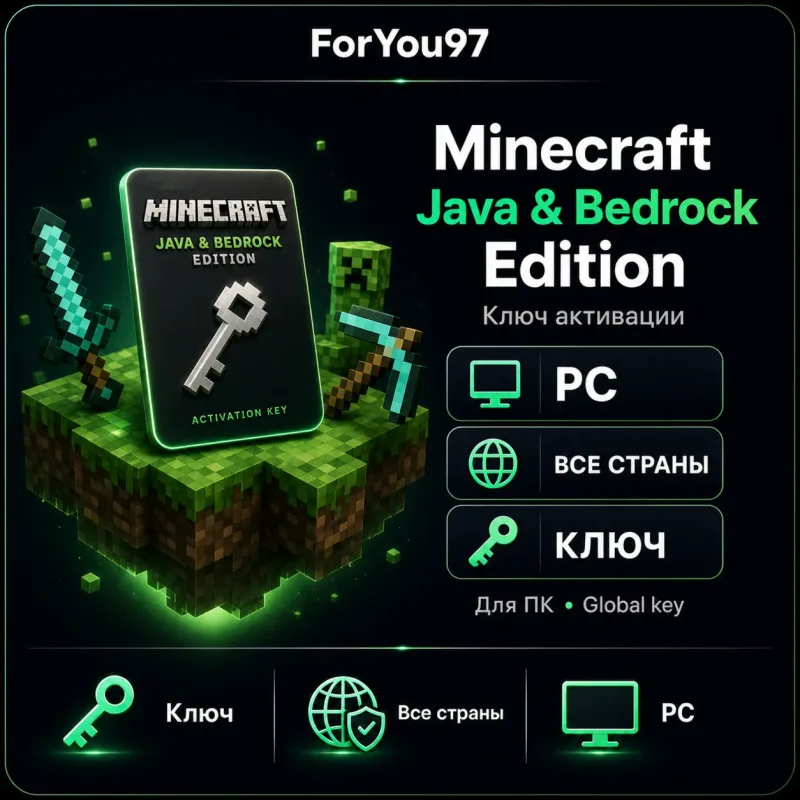
- The Minecraft: Java & Bedrock Edition for PC card is relevant when you play on a PC and want access to both PC editions. It does not remove the need to choose the edition that matches your friends’ server.
Choose by your multiplayer group
The main decision is the edition already used by the people you plan to play with. Minecraft’s official comparison says that Java and Bedrock use different servers, so Java and Bedrock players do not normally play together.
Java is the natural match for friends using Java Edition on desktop systems. Bedrock is the match for a group spread across supported Bedrock platforms, including Windows PCs, consoles and mobile devices. Owning both PC editions is convenient, but it is not a bridge between those two server ecosystems: choose Java or Bedrock for each session according to the group.
Choose by the way you want to play
Java: mods and community servers
Java Edition is aimed at PC players who value mods, custom servers and its advanced PC-focused ecosystem. Minecraft’s current download guidance specifically points to Java for mods and custom servers. If a friend sends a Java server address or a mod-pack requirement, check the server’s instructions and its game version before installing anything.
Bedrock: cross-platform play
Bedrock is the better starting point for a group that includes supported consoles or mobile devices. The official platform comparison lists Bedrock cross-play across Windows, Xbox, Nintendo Switch, PlayStation and mobile, while Java multiplayer is within its own desktop edition group. Check the exact platforms used by your friends rather than assuming every Minecraft copy can join the same world.
What a PC buyer should check before paying
- Your device. This guide is about the PC edition. Confirm that the chosen listing says it is for PC and review the current system requirements on Minecraft’s official site.
- Your group’s edition. Ask whether the server or friends use Java or Bedrock. That answer decides what you will launch first.
- The seller’s exact card. Read the current delivery, redemption, regional and support terms on the listing; these can belong to that offer rather than to Minecraft in general.
- Your account. Minecraft’s account help lists a Microsoft account for playing on Windows PC. Make sure you can use the account you intend to keep before starting redemption.
- Custom content. For a modded Java server or a Bedrock Marketplace/Realm plan, check the official server or service requirements separately. They are not defined by a marketplace listing.
For a marketplace purchase, payment, delivery and support are handled by the seller on the payment platform. Read the marketplace versus direct-purchase guide if you are comparing routes to buy, and review account security after purchase if anyone asks you to sign in, share data or install software. More options are in PC Games.
Bottom line
For PC players, Java & Bedrock Edition is useful because it leaves you able to join either edition’s appropriate group. Launch Java for Java friends, mods and custom-server plans; launch Bedrock for the supported cross-platform group. Before checkout, verify the exact listing, your account and the edition used by the people you want to play with.