Games
007 First Light on Steam: how to choose a Steam Gift for your account
What to check before choosing a Steam Gift for 007 First Light: platform, region, access format and the terms of the specific listing.
On this page
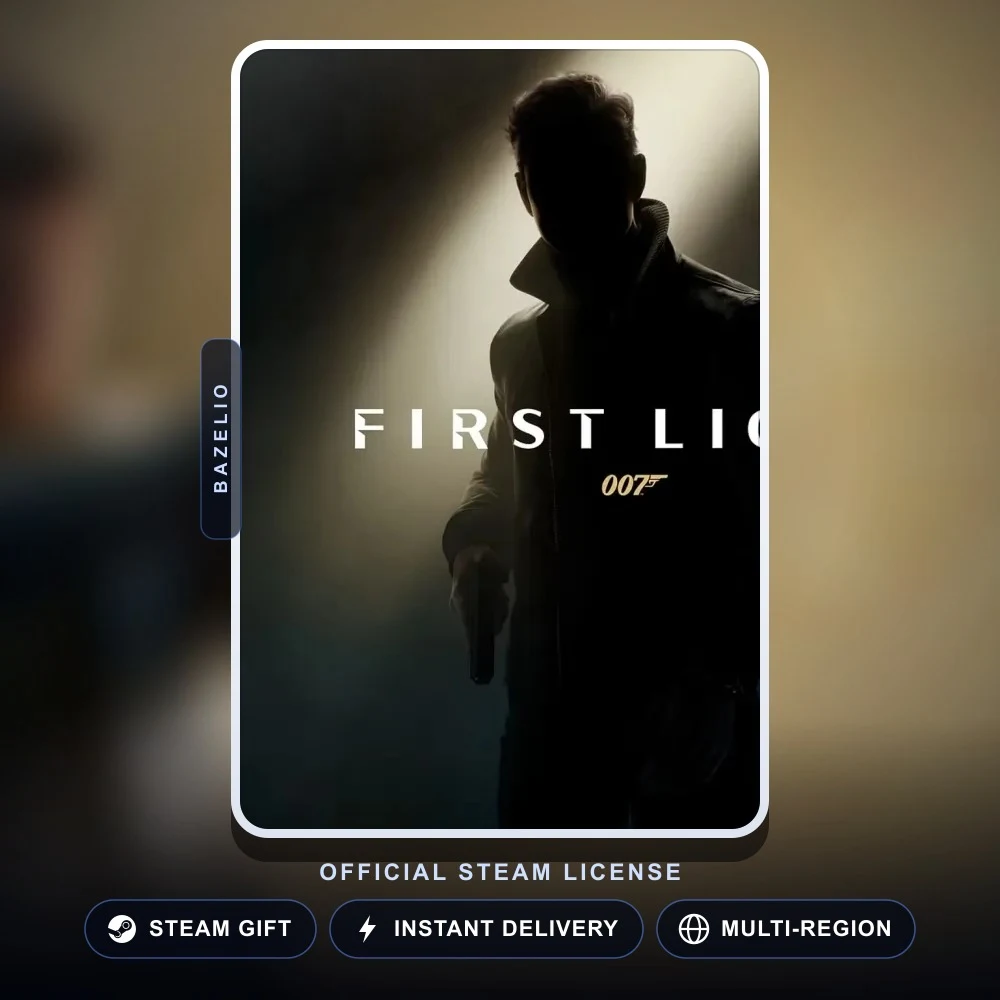
If you want to play 007 First Light on PC through your own Steam library, first look for both the Steam platform and the Steam Gift format on the listing. The game is officially available for PC on Steam and the Epic Games Store, but a marketplace listing describes only its own purchase and delivery method; it does not replace the platform’s rules. The catalogue has 007 First Light (Steam Gift) for this scenario.
Choose the platform and access format first
Do not treat the game title, platform and access method as one choice. Similar listings can differ on all three points:
| What you want | What to look for on the listing | What to confirm before paying |
|---|---|---|
| The game in your own Steam library | Steam / Steam Gift | the selected region and the gift-acceptance flow |
| The game on another platform | the name of the intended platform | compatibility with your device and account |
| Access through a seller’s account | shared account or offline activation | the term, restrictions and conditions of that format |
Do not choose based only on the words “007 First Light” or the cover image. A Steam Gift and access through another person’s account are different formats. If keeping the game in your own Steam library matters to you, do not substitute a Steam Gift with an account or offline-activation listing.
Region: check the selected option, not the game name
The Steam Gift listing has regional options. Before paying, open the intended option and compare it with your Steam account’s region and Steam’s rules. Do not change an account region for a single purchase, and do not assume that interface language, store currency or physical location alone proves compatibility.
Gift acceptance may depend on regional availability and Steam’s current rules. Check the chosen option on the listing before paying and, if a question concerns the Steam account itself, consult official Steam Support. The seller is responsible for their listing terms, not for the platform’s general rules.
Edition and contents: rely on the seller’s card
IO Interactive lists several editions and platforms for 007 First Light. That does not mean every catalogue offer includes the same additional content. Confirm the edition name, platform and contents of the selected option immediately before paying; if an item is not named on the card, do not assume it is included.
It is also useful to review the game requirements and current game information in the official 007 First Light FAQ. The developer sets the game’s requirements, while the purchase and delivery format belongs to the individual seller.
Short checklist before paying
- Open the Steam Gift listing and confirm that Steam is the platform you need.
- Select the regional option and check it again before continuing to payment.
- Read the delivery terms, gift-acceptance instructions and offer contents on the seller’s page.
- Do not share your Steam password, Steam Guard codes or recovery codes. If a listing requests an account sign-in, first understand why it is needed and what information is genuinely required.
- Keep the order number and contact the seller through the payment platform if the format or delivery does not match the listing.
If you need to protect an account after a purchase or while handling a seller request, use the account-security guide. Other offers are in PC Games. Bazelio is a storefront: payment, delivery and order support are handled by the seller on an external platform.