Top-ups
Lords Mobile: how to top up diamonds and Diamond Pass by IGG ID
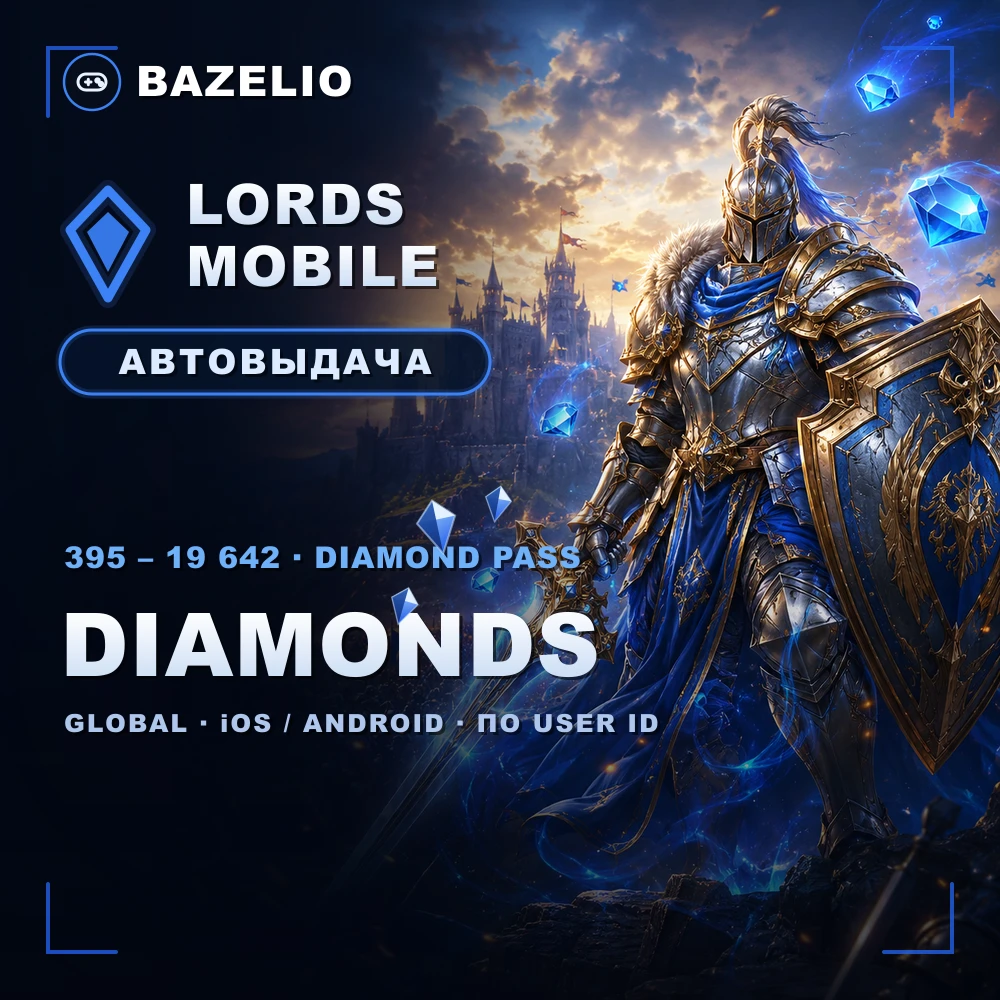
How to buy diamonds and the Diamond Pass in Lords Mobile by IGG ID with no login: what diamonds buy, the 395–19,642 denominations and what to check.
On this page
Diamonds are the premium currency of the strategy game Lords Mobile, and the Diamond Pass is a subscription that grants diamonds daily. Both are credited straight to your account by User ID (IGG ID) — no login or password. Here’s what to choose.
What diamonds and the Diamond Pass are spent on
- Diamonds go toward speed-ups, packs, hero fragments, VIP points and trading for other resources.
- The Diamond Pass is a 7- or 30-day subscription that grants diamonds and bonuses daily; worth it for regular players.
Denominations
Lords Mobile — diamonds and Diamond Pass by User ID — diamonds in 395, 785, 1179, 1964, 3928, 7857, 11,785 and 19,642, plus a Weekly Diamond Pass (7 days) and a Monthly Diamond Pass (30 days). The top-up goes through the official in-game store, delivered automatically 24/7 (occasionally up to 90 minutes during server load).
How to top up: where to find your IGG ID
This is a direct top-up by User ID (IGG ID), not a code or a gift card. The game runs on iOS and Android in all countries (Global), including Russia.
- In the game open Settings → Account → IGG ID and copy the numeric ID.
- Choose the diamond denomination or a Diamond Pass and enter your IGG ID.
- Pay — the item is credited automatically.
What to check before paying
- The correct IGG ID. A wrong ID sends the top-up to another account — no refund.
- What you’re buying. One-off diamonds or a Diamond Pass subscription are separate options.
- Format. A direct top-up by ID, not a code to redeem.
- Reviews on the card — real crediting speed.
Bazelio is a storefront: payment is taken by the seller on the payment platform, who handles crediting and support. Other top-ups are in the Game currency category; topping up Steam is in “How to top up your Steam Wallet”; general buying rules are in “A marketplace or buying direct”.