Top-ups
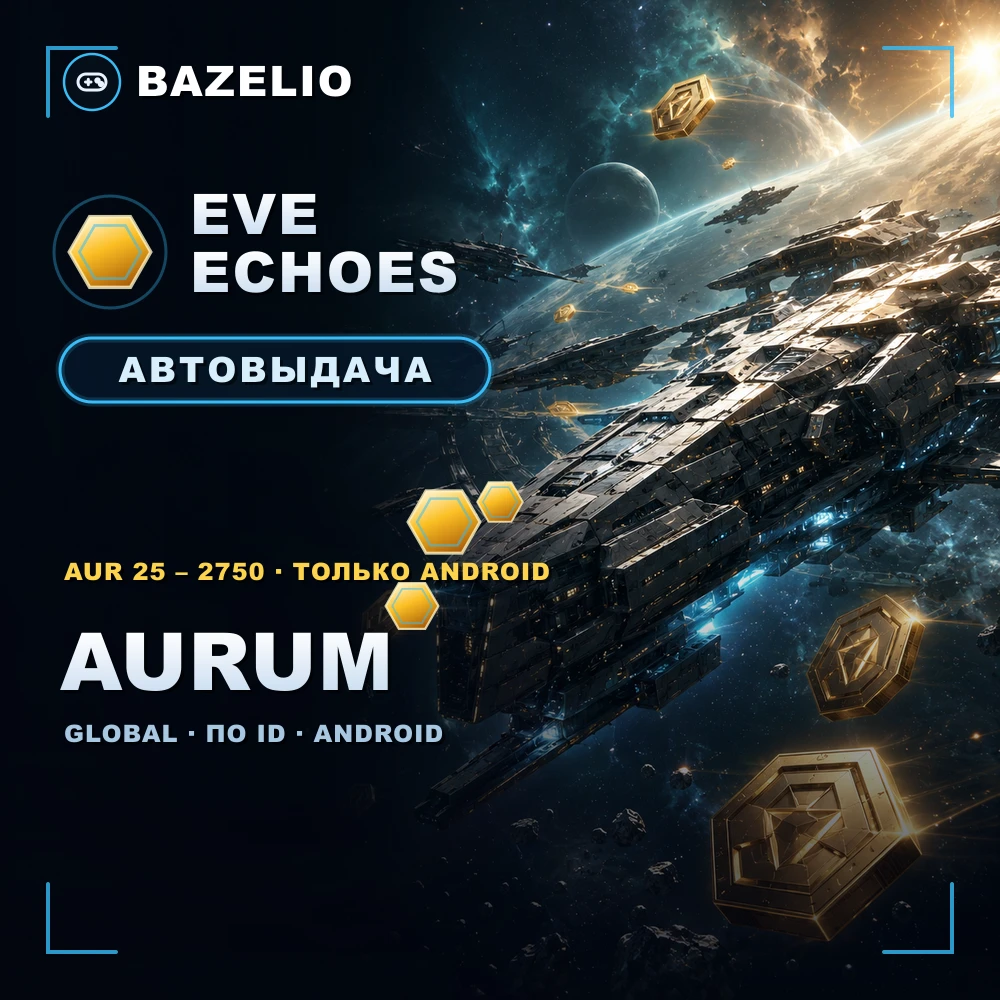
EVE Echoes: how to top up AUR (Aurum) by ID — Android only
How to buy AUR (Aurum) in EVE Echoes by ID with no login: what Aurum buys, denominations 25–2750, the Android-only catch and the 18+ check. What to verify before paying.
On this page
AUR (Aurum) is the premium currency of EVE Echoes, NetEase’s mobile MMO set in the EVE Online universe. A top-up by ID credits AUR straight to your account with no login or password. This item has two important catches — platform and an age check; let’s go through them.
What AUR is spent on
AUR in EVE Echoes is spent on:
- Omega status — a premium account with faster training.
- Ship skins, boosters and other shop items.
- Exchange for PLEX and ISK in-game — AUR converts into the game economy.
Denominations
EVE Echoes — AUR by ID — denominations 25, 125, 265, 525, 1315 and 2750. Delivery is automatic 24/7, usually 3–50 minutes depending on the game’s servers.
How to top up: platform and the 18+ check
This is a direct top-up by ID, not a code or a promo code. Two steps are required before ordering:
- Android only. The item does not work for iOS or accounts created via Huawei AppGallery.
- Confirm your age. In the game tap “TopUp” and pass the 18+ check — without it the top-up won’t go through.
- Find your numeric game ID, choose the AUR denomination and enter the ID.
- Pay — the AUR is credited automatically.
What to check before paying
- Platform. Android only; iOS and Huawei AppGallery are not supported.
- The 18+ age check completed in-game beforehand.
- The correct ID. A wrong ID sends the top-up to another account — no refund.
- Reviews on the card — real crediting speed.
Bazelio is a storefront: payment is taken by the seller on the payment platform, who handles crediting and support. Other top-ups are in the Game currency category; topping up Steam is in “How to top up your Steam Wallet”; general buying rules are in “A marketplace or buying direct”.