Communication
Discord server boost: levels, what it unlocks and how to buy
What a Discord server boost is, the perks each level unlocks (audio, emoji, banner), and how boosts are sold on a marketplace — and how they differ from Nitro.
On this page
A boost is a way to power up not your own profile but an entire Discord server. Once a server collects enough boosts, it climbs through levels and unlocks perks for everyone on it. This is easy to confuse with Nitro, so let’s separate the two first, then look at the formats boosts are sold in on the marketplace.
What a boost is and how levels work
A boost is a privilege for the server, not for the user. Boosts stack, and as they add up the server moves up a level:
- Level 1 — from 2 boosts: better voice-channel audio quality, more emoji slots, a custom invite link and an invite banner.
- Level 2 — from 7 boosts: higher bitrate and stream quality, a server banner, extra emoji and sticker slots.
- Level 3 — from 14 boosts: top audio and streaming quality, the most slots, and a custom invite link (vanity URL).
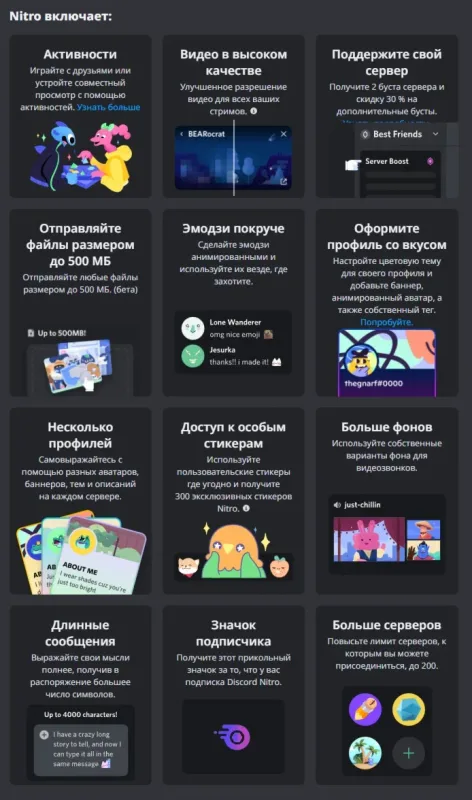
How is this different from Nitro? Nitro is a personal user subscription — animated avatar, larger uploads, profile decorations and so on. Boosts, by contrast, go to whichever server you decide to support. A Nitro Full subscription does also hand its owner 2 boosts to gift to any server — but that’s a bonus on top of a personal plan, not the same as buying boosts on their own. The subscription formats themselves are covered in “Discord Nitro formats”.
Purchase formats in the catalogue
It’s easiest to group the offers by what you actually receive.
Boosts on their own — by quantity and term
Discord server boost — 1 to 14 boosts — here the number of boosts is chosen in the card options, up to 14 (which is exactly the threshold for Level 3). Handy when you need to top a server up to a specific level.
Discord server boost — for 1–12 months — here the option is the term the boosts stay on the server. A format for anyone who cares how long the level will hold.
Boosts together with profile decorations
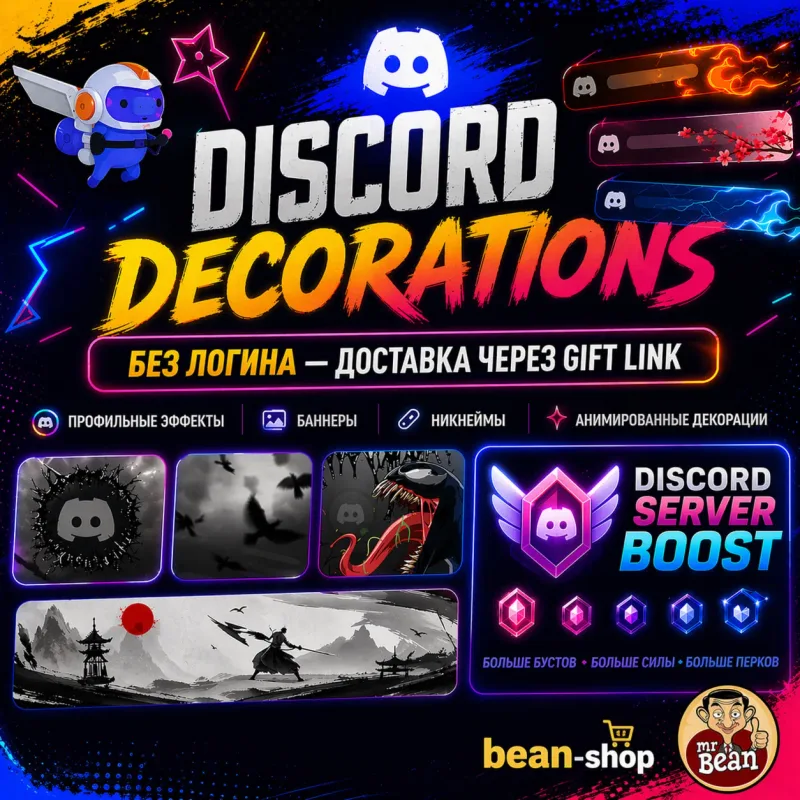
Discord — profile decorations and server boosts — a combined offer: both boosts for a server and cosmetics for your personal profile in one card. The exact set is chosen in the options.
Boosts as a Nitro bonus
Discord Nitro Full + 2 boosts — 1–12 months — a full Nitro subscription that comes with 2 boosts; per the seller’s description it is set up without logging into your account.
Discord Nitro 1–12 months + 2 boosts — subscription for your account — a subscription on your own account with two boosts included; the term is chosen in the options.
Discord Nitro — subscription on your account (1–12 mo) — another way to set up Nitro on your account; pick it if the subscription itself is the goal and the boosts are a nice extra.
At a glance
| Offer | What you get | How it’s chosen |
|---|---|---|
| 1 to 14 boosts | Boosts for a server | Quantity in options |
| Boosts for 1–12 months | Boosts for a server | Term in options |
| Decorations + boosts | Profile cosmetics and boosts | Set in options |
| Nitro Full + 2 boosts | Personal Nitro + 2 boosts | Term in options |
What to check before paying
- What exactly you’re buying — boosts for a server, or a Nitro subscription that includes boosts. These are different things.
- Quantity and term in the chosen option: how many boosts and for how long they hold.
- The server ID or invite link, if the seller applies boosts using them — confirm the delivery format on the card.
- The order flow — automatic delivery, or sending details to the seller in the order chat.
- Warranty, regional availability and reviews for that specific offer on the card.
Bazelio is a storefront: the seller accepts payment on a payment platform, applies the boosts and is responsible for warranty and support. If something goes wrong, the steps are on the “Refunds and disputes” page, and other Discord and messenger offers are gathered in the Messengers & social category.