Top-ups
Delta Force: how to top up Delta Coins by player ID (Global)
How to buy Delta Coins in Delta Force by player ID with no login: what they buy, 12 denominations (18–24,300) and what to check. PC, Xbox, PS, mobile.
On this page
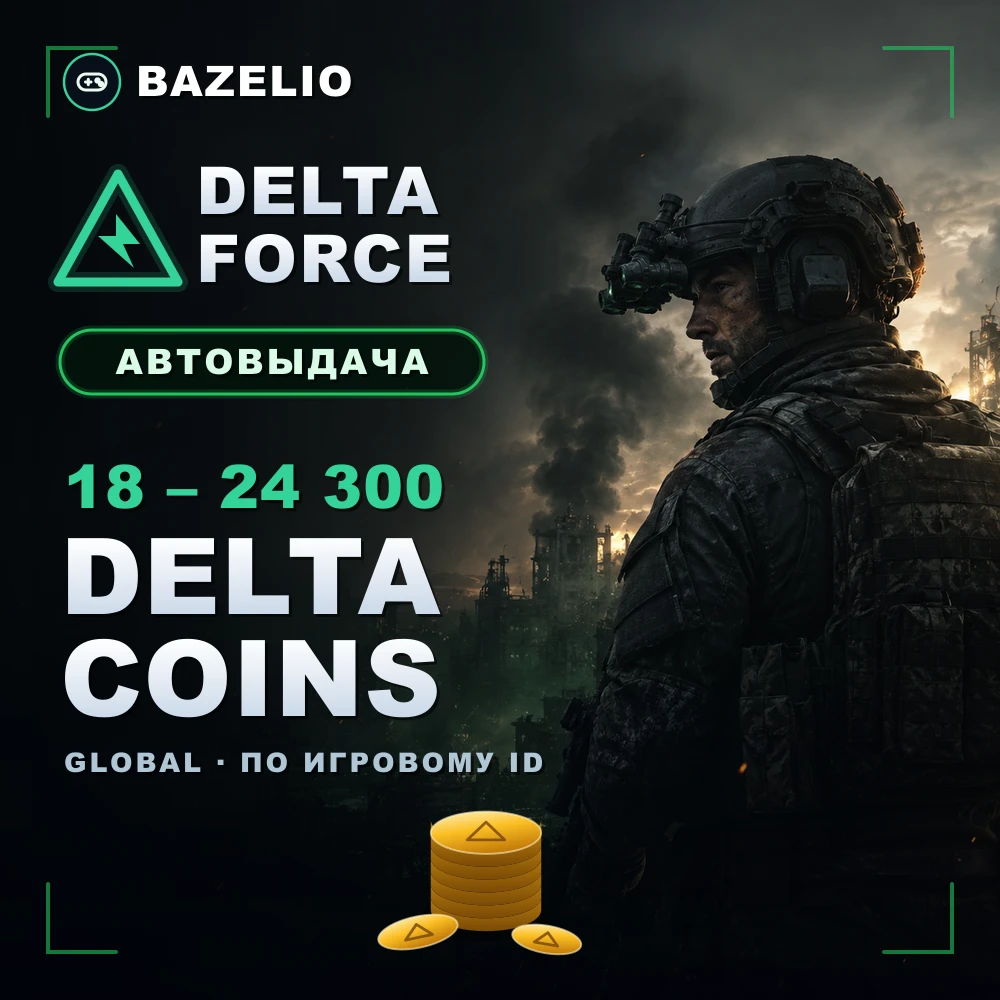
Delta Coins are the in-game currency of the tactical shooter Delta Force. A top-up by player ID credits the coins straight to your account with no login or password. The format is especially handy because the game is cross-platform and the currency is tied to a single account.
What Delta Coins are spent on
Delta Coins buy Delta Force’s in-game content:
- The seasonal battle pass and its tiers.
- Weapon and gear skins, operator cosmetics.
- Packs and bundles from the shop.
Denominations
Delta Force Delta Coins — top-up by player ID — 12 denominations from 18 to 24,300 coins (larger packs include bonus coins). The wide range suits both a one-off buy and the battle pass. Delivery is automatic 24/7, usually within 3–15 minutes.
How to top up: where to find your player ID
This is a direct top-up by player ID, not a code or a gift card. The Global version works in Russia too — on PC, Xbox, PlayStation, Android and iOS.
- Open your in-game profile — tap the profile icon (avatar) in the bottom-right corner; your player ID (digits only) is shown there.
- Choose the Delta Coins denomination and enter the ID.
- Pay — the coins are credited automatically.
What to check before paying
- The correct player ID. A wrong ID sends the top-up to another account — no refund.
- Game version. This offer is for the Global version; it does not work for the Chinese version of the game.
- Format. A direct top-up by ID, not a code to redeem.
- Reviews on the card — real crediting speed.
Bazelio is a storefront: payment is taken by the seller on the payment platform, who handles crediting and support. Other top-ups are in the Game currency category; topping up Steam is in “How to top up your Steam Wallet”; general buying rules are in “A marketplace or buying direct”.