Destiny 2 — Silver added to your account (PC/Xbox/PS)
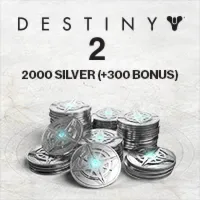
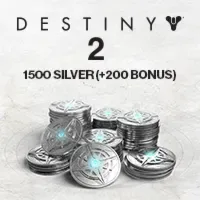
A Destiny 2 Silver currency top-up added to your account: choose the platform (Steam, Epic, Xbox, PlayStation) and the amount.
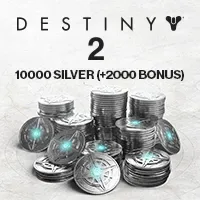
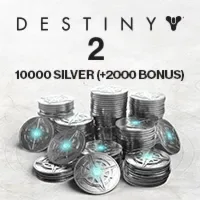
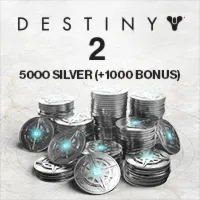
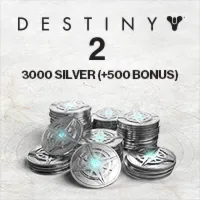
Bazelio is a storefront-aggregator. Payment, delivery, refunds and support depend on the seller and the payment platform. Check the terms of the specific offer before buying.
Silver is the premium in-game currency of Destiny 2, spent in the Eververse store on ornaments, emotes, cosmetics and bundles. The product is a Silver top-up added to your account: you choose the platform and amount, share the required details with the seller, and the currency is credited to your account.
What you get
- A Destiny 2 Silver balance top-up added to your account.
- A choice of platform: Steam, Epic Games, Xbox / Game Pass on PC or PlayStation (Turkey).
- A choice of Silver amount depending on the tier.
- Seller support while your order is fulfilled.
Important conditions
- The top-up is done manually during the seller's working hours (Moscow time) and may take from 10–15 minutes to several hours.
- For some platforms the seller needs account access — confirm the format in advance.
- The account region is an order attribute; confirm it in chat before paying if it matters to you.
- The top-up and support come from a third-party seller; refunds after crediting are not offered.
Before you pay, check
- That the chosen platform and Silver amount suit you.
- The seller's working hours if you pay overnight or in the morning.
- The seller's description, data requirements and terms on the payment page.
Reviews 100+
100%
positive ratings
- 472 Positive
- 0 Negative
- 472 reviews
Review texts are temporarily unavailable (472 Positive, 0 Negative).
Frequently asked questions
How do I use the code or top-up?
The code is entered in the service wallet or account — instructions are on the card. For ID top-ups the required details are also stated on the product card.
Do the region and denomination matter?
Yes, cards and top-ups are usually region-bound and the denomination is fixed. Verify the region and amount before paying — they can’t be changed afterwards.
When will the code arrive?
Items marked “Instant” deliver the code right after payment by the seller on the payment platform.
Guides
Product guides
Related products


Recently viewed
Your purchase opened in a new tab
Subscribe to the channel — deals and new keys so you don't overpay next time.