Destiny 2 — Silver (Xbox, PlayStation 4/5)
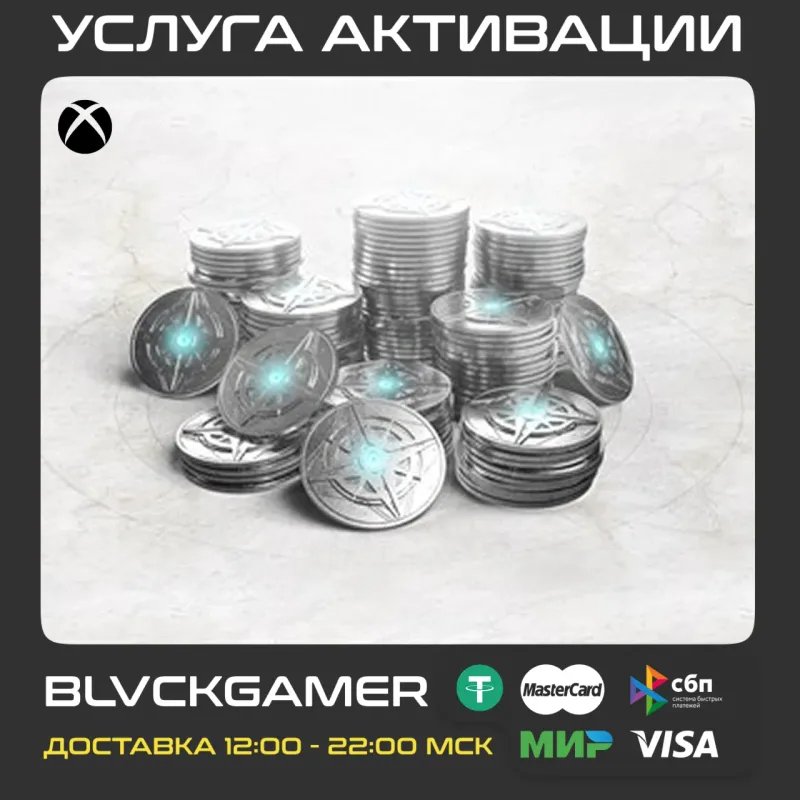
Destiny 2 Silver for Xbox and PlayStation 4/5: in-game currency for the Eververse store. Credited by signing in to your account. Amounts from 500 Silver.
Bazelio is a storefront-aggregator. Payment, delivery, refunds and support depend on the seller and the payment platform. Check the terms of the specific offer before buying.
Destiny 2 Silver is the in-game currency used in the Eververse store for ornaments, emotes, bundles and other items. Amounts are available for Xbox and for PlayStation 4/5; the currency is credited by signing in to your account. The price shown is for the smallest amount, 500 Silver.
What you get
- Destiny 2 Silver for the chosen amount.
- A choice of platform: Xbox or PlayStation 4/5.
- Crediting to your account by the seller.
- Currency for the Eververse store: ornaments, emotes, bundles.
- The seller's help at every step of the order.
Important conditions
- The order is completed by signing in to your account: you provide the login, password and, if needed, a two-factor backup code.
- For Xbox the order is handled on an Argentina-region account; if the profile has a payment limit, the seller creates a new profile with your details.
- After payment, send the seller the unique code from the order chat.
- Refunds for reasons outside the seller's control carry a 20% deduction.
- Delivery and support are handled by a third-party seller.
Before you pay, check
- The platform and Silver amount you need.
- For Xbox — that there are no regional payment limits (the seller has the steps).
- The delivery and refund terms on the seller's page.
Reviews 100+
100%
positive ratings
- 164 Positive
- 0 Negative
- 164 reviews
-
Все хорошо, спасибо)
-
Хороший продавец!Лучшая цена!Рекомендую!
-
Спасибо.
-
Все супер)))))))
-
Все супер, быстро сделал, от меня потребовались только данные для входа в учетку.
-
Все быстро!Я накосячил с регионом,продавец помог!Советую!
-
Потребовалось полтора дня. Но товар получил
-
Спасибо продавцу , я как покупатель слегка накосячил, продавец все объяснил, заморочился и помог, рекомендую 100000000% все в лучшем виде делает
No reviews yet
Frequently asked questions
How do I use the code or top-up?
The code is entered in the service wallet or account — instructions are on the card. For ID top-ups the required details are also stated on the product card.
Do the region and denomination matter?
Yes, cards and top-ups are usually region-bound and the denomination is fixed. Verify the region and amount before paying — they can’t be changed afterwards.
When will the code arrive?
Items marked “Instant” deliver the code right after payment by the seller on the payment platform.
Guides
Product guides
Related products




Recently viewed
Your purchase opened in a new tab
Subscribe to the channel — deals and new keys so you don't overpay next time.