Industry
Exploding apples: a Minecraft modder's testing mishap
A Minecraft modder tried to harvest apples from a tree and got explosions instead, thanks to unexpected behaviour in their own modification.
A Minecraft modder shared a moment that sums up what building add-ons for the game actually feels like: they went to pick apples off a tree in their own world and were met with explosions instead. The cause was their own modification behaving in a way they had not planned — the code touched something it was not supposed to, and an ordinary piece of fruit started acting like a charge of TNT.
The story travelled because it is instantly recognisable. Anyone who has installed a mod pack, or tried writing something themselves, knows that Minecraft is happy to combine its rules in ways nobody asked for. One tweak to how an item behaves can ripple into an unrelated system, and what should have been a tidy new mechanic turns into fireworks.
Why this kind of thing is routine
Minecraft has run on community modifications for years. The Java version has always been open to third-party add-ons, and an entire ecosystem grew around it: technical mods, visual overhauls, quality-of-life tweaks, full content packs. Authors are not working with an official toolkit that covers every case — they are layering their own logic on top of the game’s.
That is why testing throws up oddities so often: items that behave like blocks, entities spawning where they were never meant to, and, as here, apples with explosive side effects. For the person writing the mod it is not a disaster, just another turn of the loop — change something, launch, watch it misbehave, fix it. A good chunk of Minecraft’s community folklore comes from exactly this stage, where broken physics clips and confused screenshots are practically their own genre.
It is also why experienced modders keep a throwaway test world. You break things there on purpose, and only move the result into a public build once it stops surprising you.
What it means if you are thinking about buying Minecraft
The practical takeaway is straightforward: mods are a big part of Minecraft’s value, and also a source of friction worth planning for.
First, platform matters. Deep third-party mod support is a Java-version story. On consoles and in the Bedrock version, add-on content works differently and is limited to official material. So decide what you actually want before you buy: modded experiments on PC, or console play with cross-play.
Second, back up your worlds. Any new mod set can change how a save behaves, and a copy saves you from surprises like missing builds. It is the same discipline developers use — test somewhere disposable.
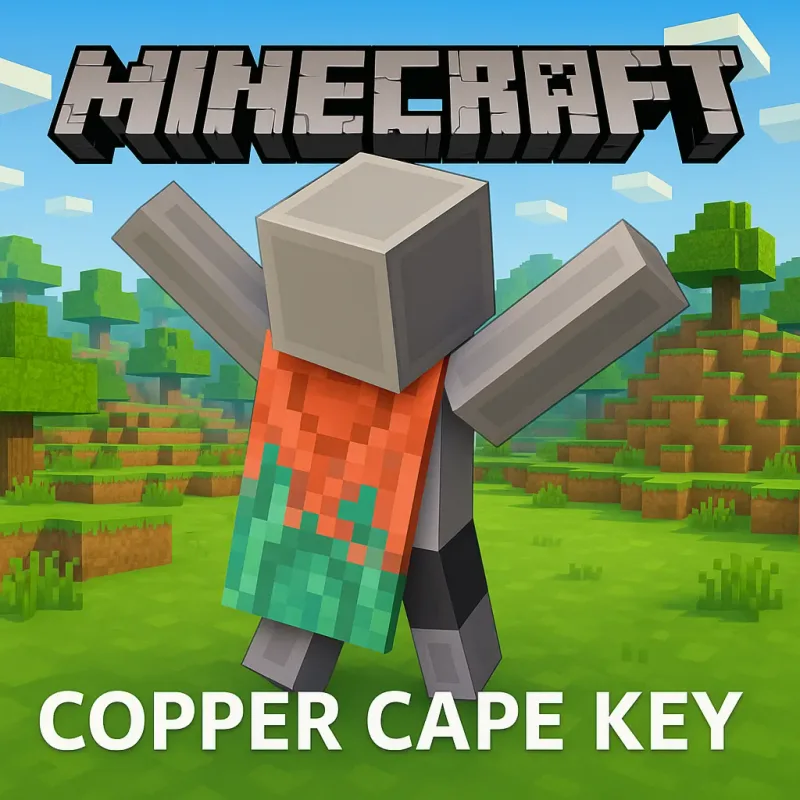
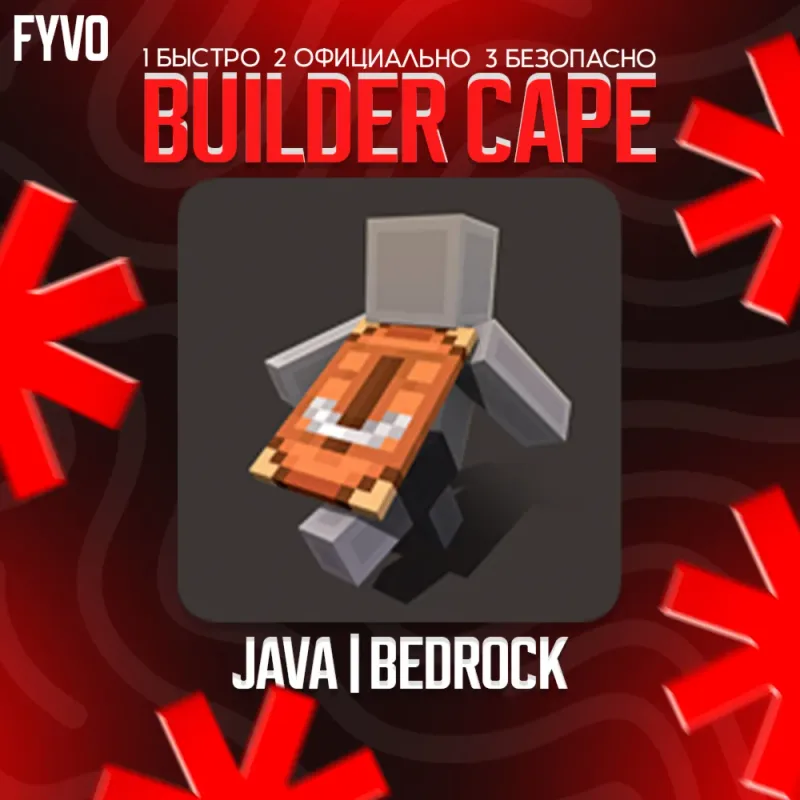
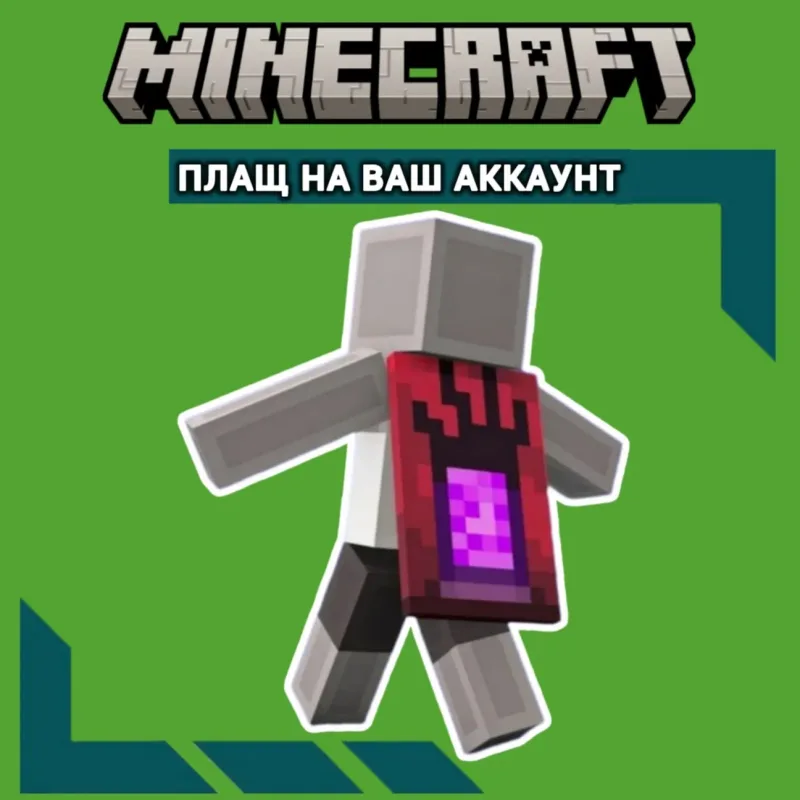
Third, cosmetics are a separate layer. Capes and skins personalise your character in the official versions of the game and do not depend on mods at all. Bazelio’s catalog lists, for example, a Copper Cape activation key for Java and Bedrock; the current price and conditions are shown in the seller’s listing. Other Minecraft editions and cosmetic items sit in the Game Accounts & Services section.
A reminder on how this works: Bazelio is a storefront that helps you compare offers, while the purchase and delivery happen with the seller on a partner platform. Activation details and supported platforms are always written in the listing itself — worth reading before you pay, especially when the item is tied to one specific version of the game.