Games
Fortnite: the big update and how to top up V-Bucks
Ahead of Fortnite update v41.10: what V-Bucks and Fortnite Crew give you, how account top-ups differ from region keys, and how to buy safely.
Fortnite is preparing one of its biggest updates — v41.10 (released June 25): new characters, weapons and skins. Such updates traditionally bring back veterans and attract newcomers, and with them — demand for V-Bucks and the Fortnite Crew subscription.
V-Bucks and Fortnite Crew
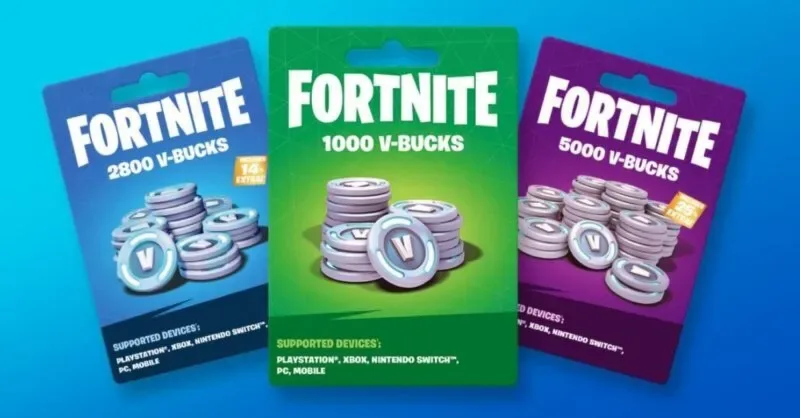
- V-Bucks — Fortnite’s in-game currency: they buy skins, emotes, the battle pass and shop items.
- Fortnite Crew — a monthly subscription: the season battle pass, a monthly V-Bucks grant and an exclusive set. Handy for regular players.
Purchases don’t affect the balance of power in a match — it’s cosmetics and the pass, so you can top up calmly for the update.
On account or by region
Delivery formats differ:
- Account top-up — the seller credits V-Bucks to your Epic Games profile. Examples: V-Bucks for any region (PC/Xbox), 100–13,500 V-Bucks (PC/PS/Xbox), 1000–13,500 V-Bucks (Epic Games).
Note: for some offers V-Bucks are tied to the account’s platform or region — this is stated on the card as a neutral attribute. Verify the platform (PC, PlayStation, Xbox) and region before buying.
How to buy safely
- Decide what you actually want for the update (skin, pass, Crew set).
- Choose the format: a one-off V-Bucks top-up or the Crew subscription.
- Match the account platform and region to the card.
- Payment and delivery are on the seller’s side; Bazelio shows the price, format and rating. A basic walkthrough of buying V-Bucks is in the Fortnite: how to top up V-Bucks guide, with more options in the game currency section.