Catalog section
PlayStation
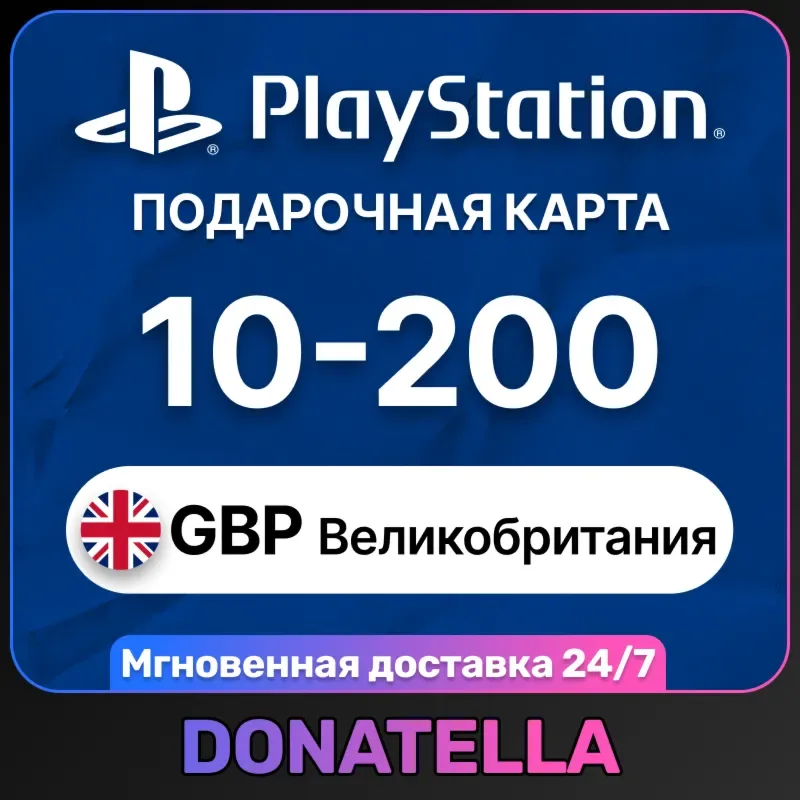
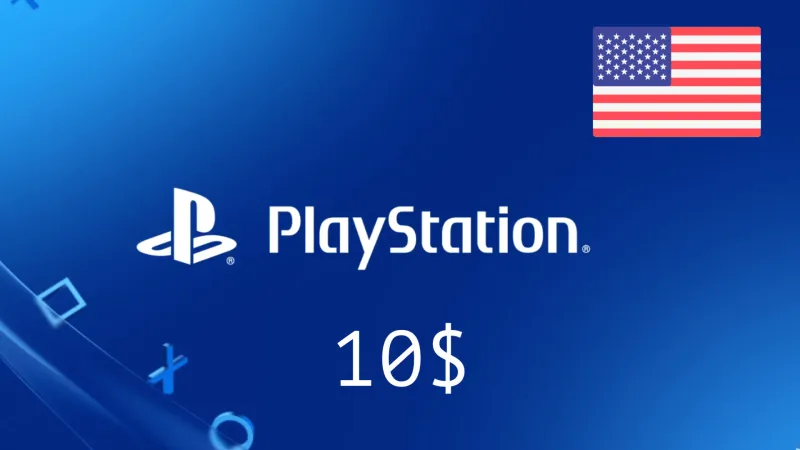
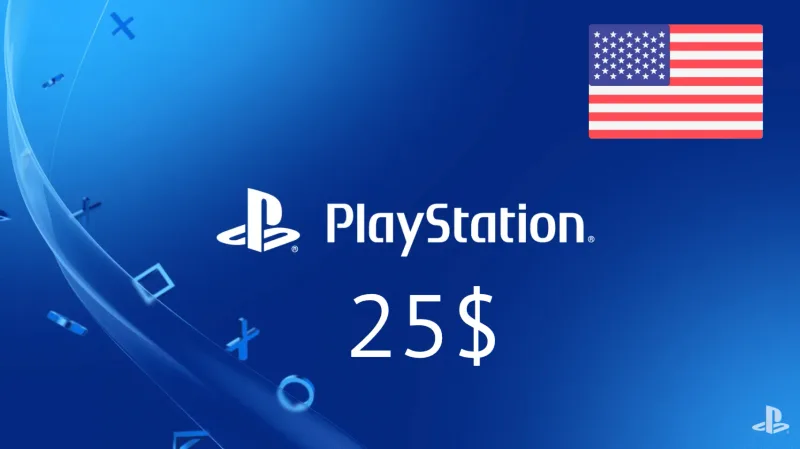
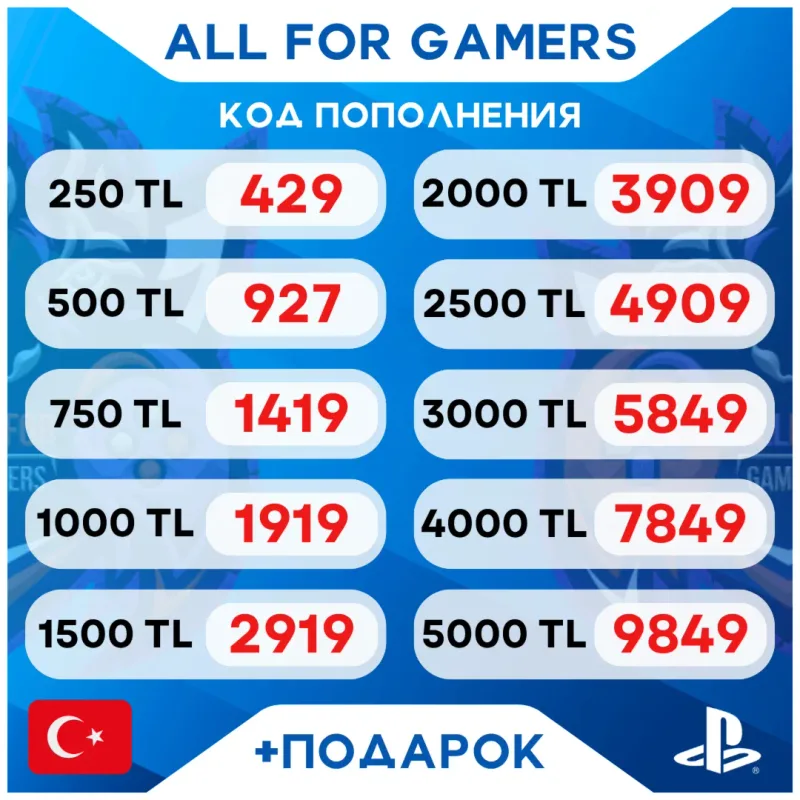
A PSN wallet top-up code: funds go to your account for games, DLC, subscriptions and content in the PlayStation Store. Choose a region and denomination.


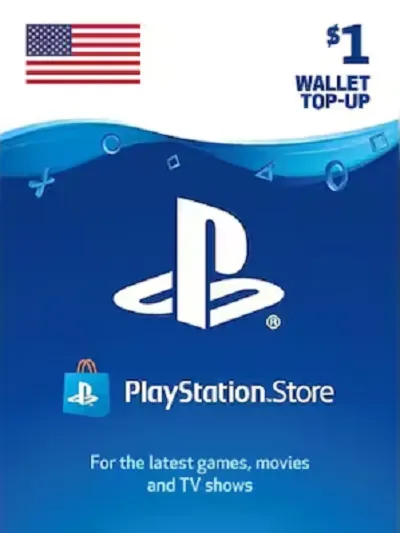




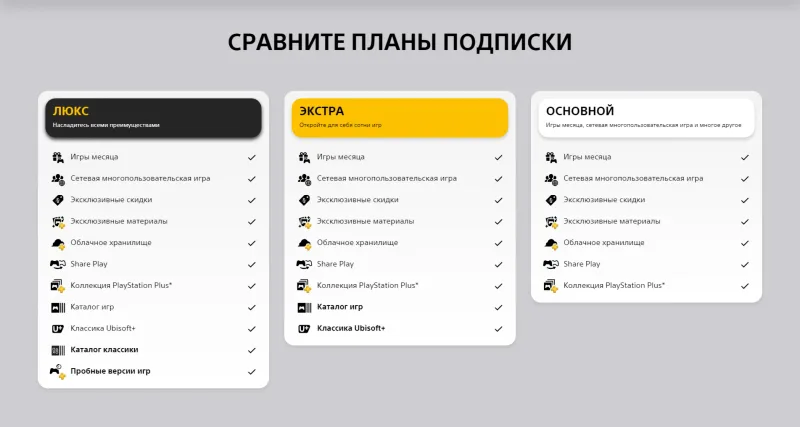
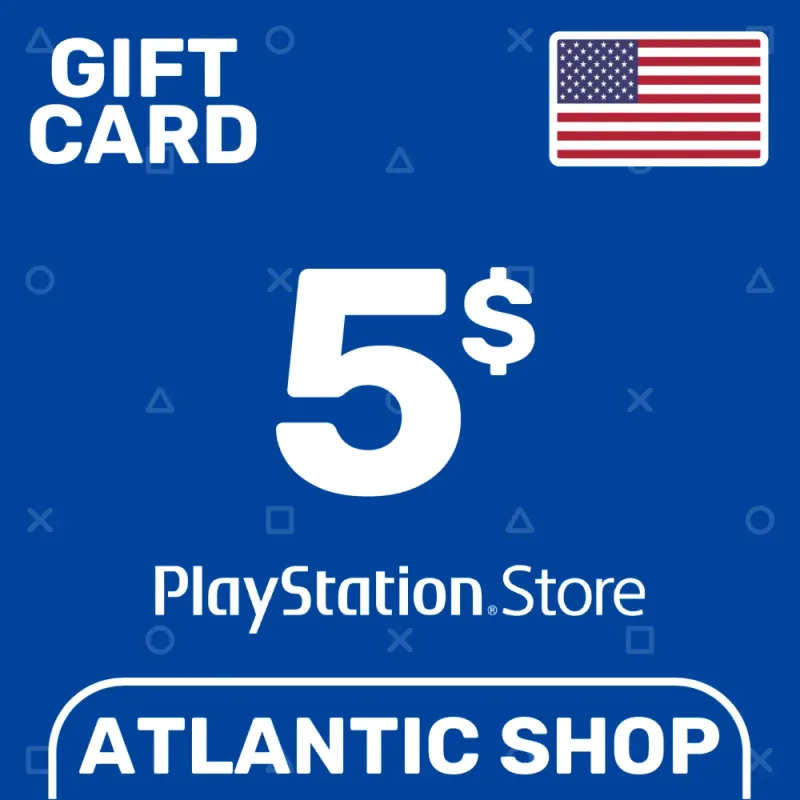

No products in this category yet
Try adjusting the filters or resetting them.
What usually helps: clear the price filter, switch delivery back to “All”, or shorten your search to a single word.
Catalog section
How to choose a digital product
- Match the card region with your PlayStation Network account region.
- The denomination is fixed — the amount can't be changed after payment.
- For fast top-up choose items marked “Instant delivery”.
Related guides
Frequently asked questions
How do I redeem a PlayStation card?
Sign in to the PlayStation Store, choose “Redeem Codes” in your PSN profile and enter the code. The region and denomination are stated on the product card.
Does the card region matter?
Yes, a PSN code activates only on an account of the same region. A card of another region won't work — check the region before paying.
Who delivers the code?
Bazelio is an aggregator storefront: payment and code delivery are handled by a seller on the payment platform. For fast delivery choose items marked “Instant delivery”.
Catalog section
PlayStation
PlayStation Network cards top up your PSN wallet in the chosen region's currency. The code arrives after payment and is redeemed in the PlayStation Store (“Redeem Codes” in your profile). Important: a PSN code activates only on an account of the same region — a card of another region won't work, so match the card region with your account before buying.